

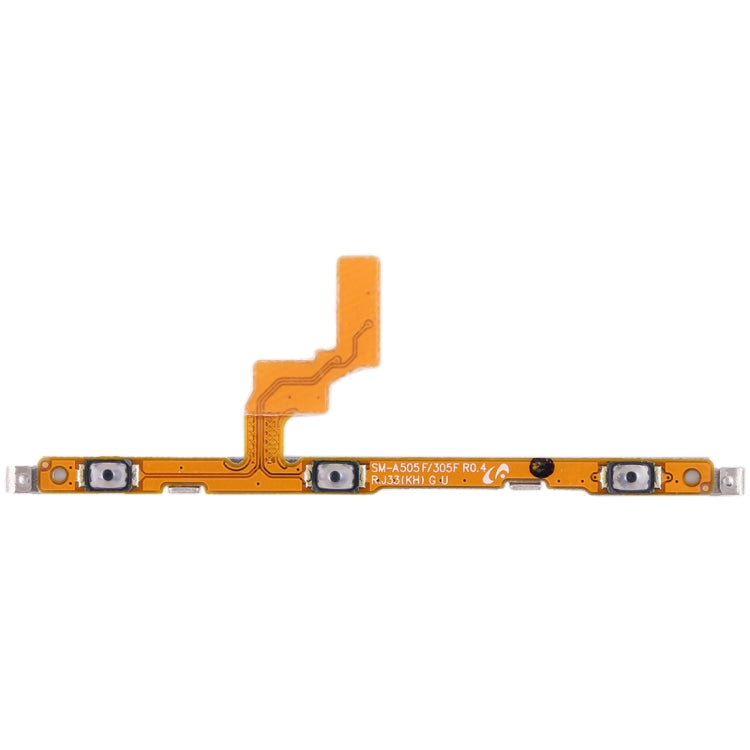
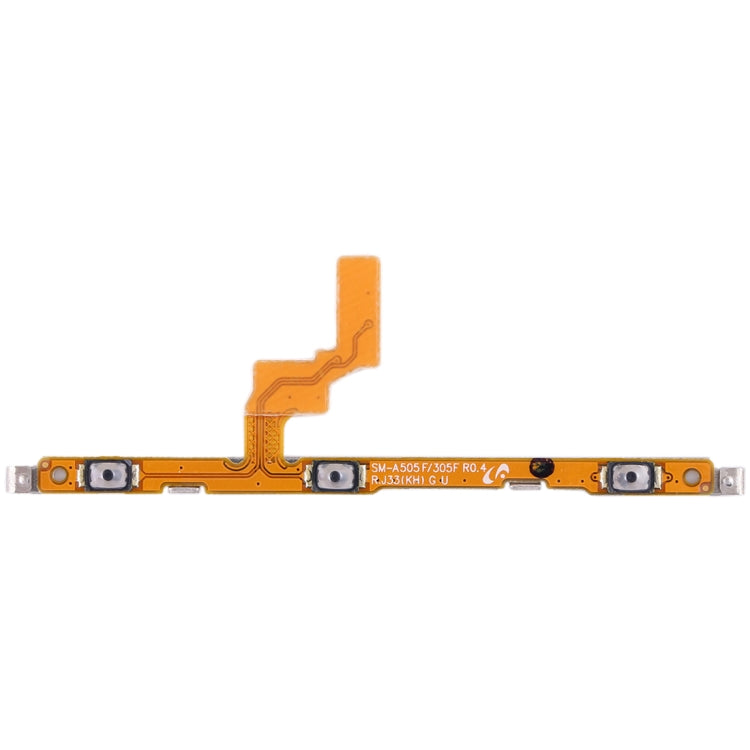
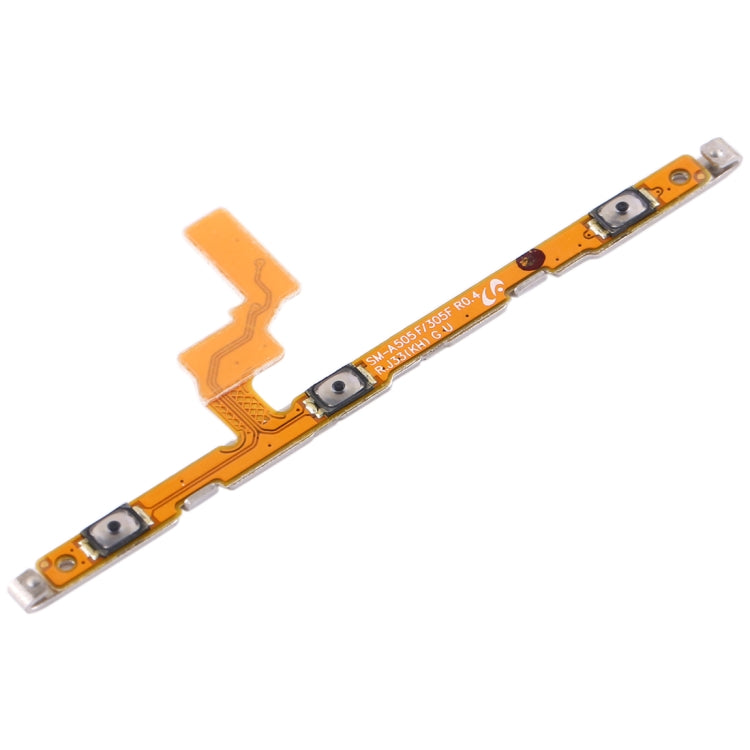
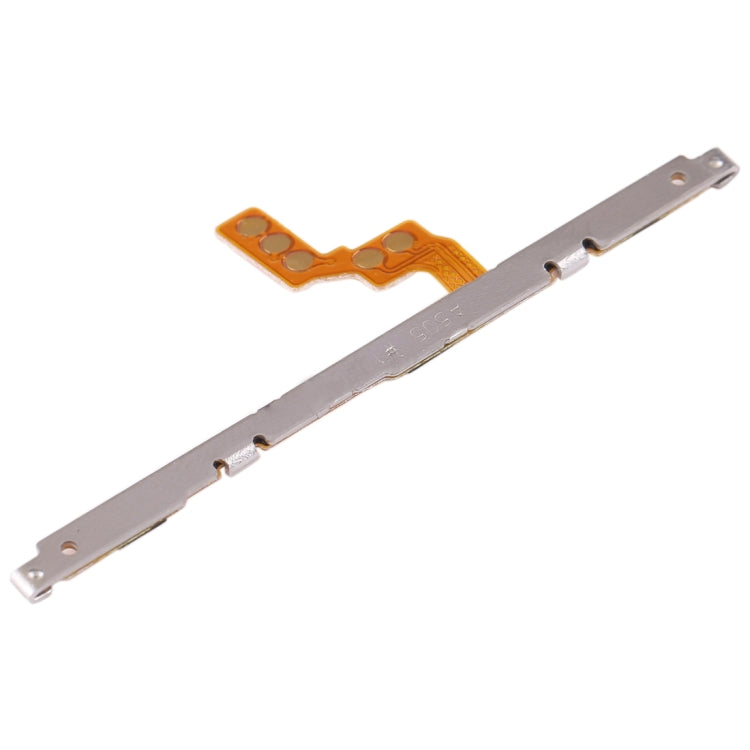

Power & Volume Button Flex Cable
Samsung Galaxy A30 Power & Volume Button Flex Cable Replacement
- Fits
- Samsung Galaxy A30
- Fixes
- Side button faults
- Quality
- Brand new, OEM quality
- Fitting
- Professional install
Overview
What this part is
The power and volume keys on the Galaxy A30 are plastic or metal buttons in the frame. Behind them sits a thin flex cable carrying small switches. When a switch wears out, the flex tears, or liquid gets in, the buttons stop working even though they still move.
The Galaxy A30 has its fingerprint reader on the back, so this part does not affect it. Access is through the back cover, followed by the plate over the main board.
Compatibility
Specifications and compatibility
- Part
- Power & Volume Button Flex Cable
- Compatible with
- Samsung Galaxy A30
- Model numbers
- SM-A305F
- Does not fit
- Galaxy A30s (SM-A307F), Galaxy A50 or any other model
- Fixes
- Power or volume keys that do not respond, work only now and then, or feel dead
- Does not fix
- A bent or missing button cap in the frame, screen, charging or main board faults
- Quality
- Brand new, OEM-quality power and volume button flex cable. Tested before dispatch.
- Brand
- Unbranded, compatible with Samsung Galaxy A30
- In the box
- 1 × power and volume button flex cable. Check the photos for any tools included.
- Colour
- As shown in the photos
- Installation
- Professional installation recommended
- Supplied by
- Supreme Phone Parts Ltd, Manchester, UK
Before you order
Is this the right part?
Signs it needs replacing
- Pressing the power key does not wake or lock the phone
- Volume up or down does nothing
- A button only works if you press it very hard or at an angle
- Screenshots or restarts fire on their own, as if a key is stuck
How to check your model
Open Settings › About phone. The model name should read Galaxy A30 and the model number should be SM-A305F.
The Galaxy A30s (SM-A307F) has three rear cameras. The A30 has two.
Professional installation
How a technician fits this part
- Power the phone off, warm the back cover to soften the adhesive, and lift it off.
- Remove the screws and plates, then disconnect the battery.
- Unclip the old side key flex and peel it gently away from the side of the frame.
- Line the new flex up behind the buttons, press it into place and connect it.
- Reconnect the battery and test power, volume up and volume down before closing.
- Refit the plates and screws, apply new adhesive and press the back cover down evenly.
Check that the part matches the device before fitting it or removing any adhesive backing. Once a part has been fitted, it cannot be returned for a change of mind. Faulty parts are always covered.
FAQ
Frequently asked questions
Will this fit my Galaxy A30?
Yes, if Settings › About phone shows Galaxy A30 with model number SM-A305F.
Does it fit the Galaxy A30s?
No. The A30s (SM-A307F) is a later phone with a different frame. This flex is for the Galaxy A30 (SM-A305F) only.
Will a new flex fix a key that feels stuck down?
If the switch on the flex is damaged, yes. If the key cap is jammed by a dent in the frame or a tight case, check that first.
Is it made by Samsung?
No. It is a brand new, OEM-quality button flex cable made to fit the Samsung Galaxy A30, and it is tested before dispatch.
Should I fit it myself?
We recommend professional installation. The Galaxy A30 has to be opened and the battery disconnected safely, and the flex is thin and easy to tear.
How quickly will it arrive?
Orders placed before 4pm on a working day are dispatched the same day from Manchester by Royal Mail Tracked. Delivery is free on UK orders from £5. Returns are accepted within 30 days from receipt.
Prepared by the Supreme Phone Parts team, Manchester. Last updated September 2026.