

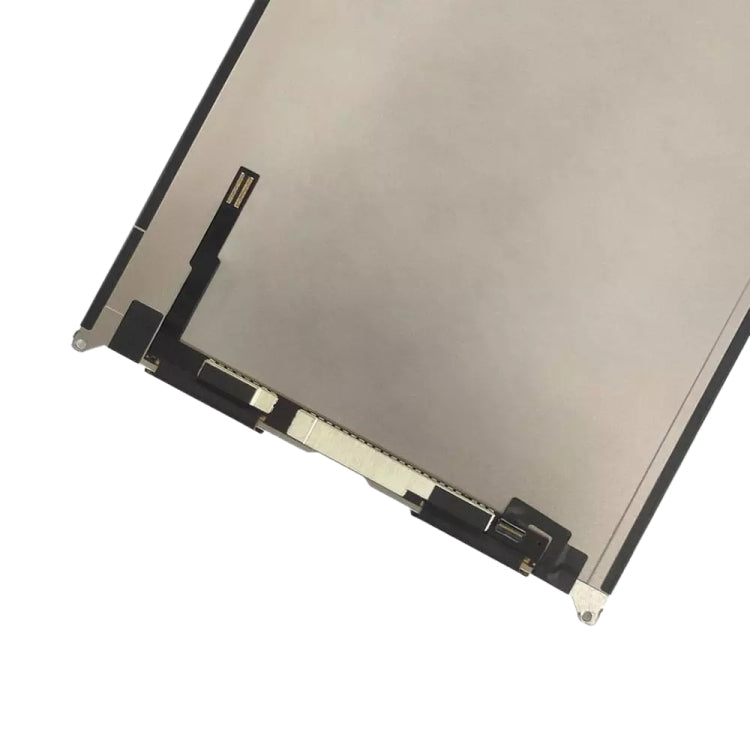
LCD Screen
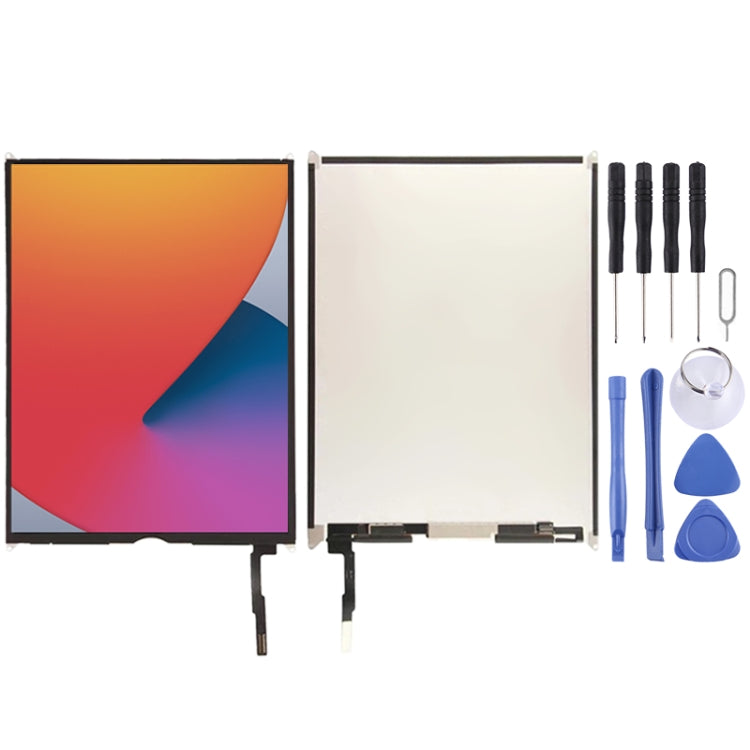
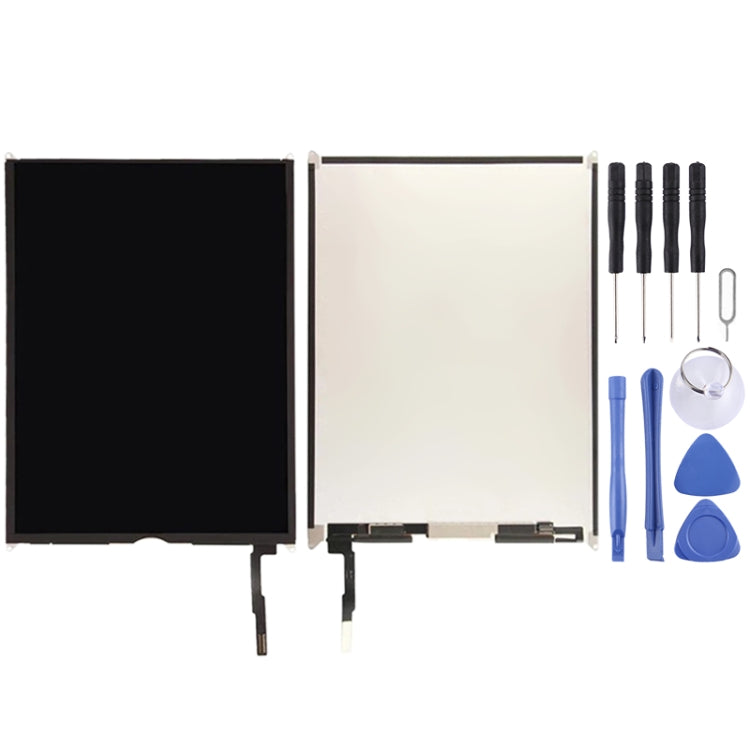
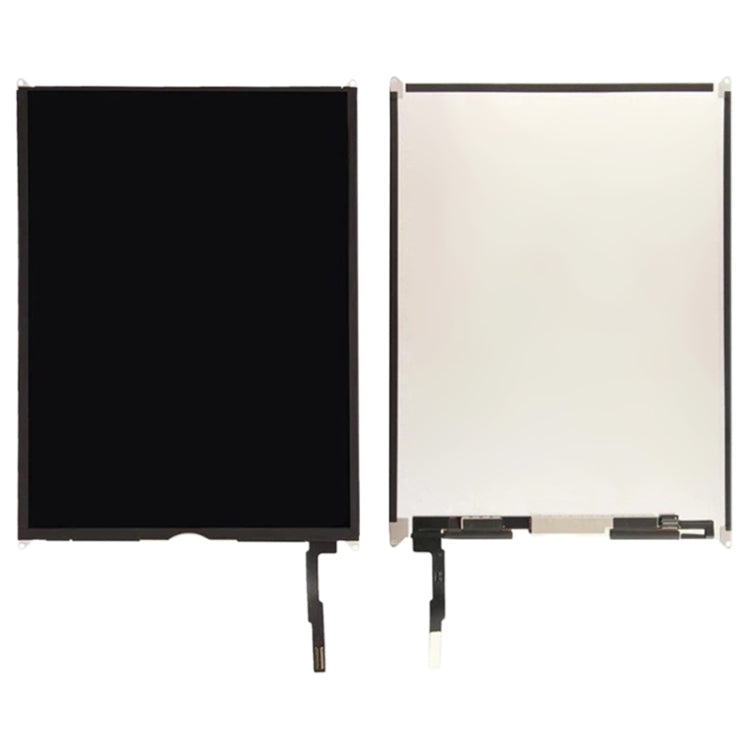
Apple iPad 8th Gen 10.2 (2020) LCD Screen Replacement
- Fits
- Apple iPad 8th Gen 10.2 (2020)
- Fixes
- Faulty display panel
- Quality
- Brand new, OEM quality
- Fitting
- Professional install
Overview
What this part is
The iPad 8th generation has a separate LCD under the touch glass. If touch still responds but the display is dark, lined, patchy or cracked underneath, a new LCD brings the picture back.
This panel is the LCD only. The glass is lifted with heat and refitted, or replaced at the same time if it is cracked. Clean both surfaces carefully so no dust is sealed in.
Compatibility
Specifications and compatibility
- Part
- LCD Screen
- Compatible with
- Apple iPad 8th Gen 10.2 (2020)
- Model numbers
- A2270 · A2428 · A2429
- Does not fit
- iPad 9.7-inch models, iPad Air 3 10.5-inch, iPad 10th Gen or any other model
- Fixes
- A black, lined, blotchy or cracked LCD under working touch glass
- Does not fix
- Cracked touch glass or dead touch (digitiser sold separately), battery or charging faults
- Quality
- Brand new, OEM-quality LCD display panel. Tested before dispatch.
- Brand
- Unbranded, compatible with Apple iPad 8th Gen 10.2 (2020)
- In the box
- 1 × LCD panel (touch glass not included).
- Colour
- As shown in the photos
- Installation
- Professional installation recommended
- Supplied by
- Supreme Phone Parts Ltd, Manchester, UK
Before you order
Is this the right part?
Signs it needs replacing
- Sound plays but the screen stays black
- Lines, bands or flicker appear on the display
- Dark ink-like areas grow after a drop
- The panel is cracked under glass that is not broken
How to check your model
Open Settings › General › About and tap Model Number until it shows an A-number. It should read A2270, A2428 or A2429.
The iPad 8th Gen has a 10.2-inch screen and a home button. The 7th Gen looks the same but uses A2197, A2198 or A2200.
Professional installation
How a technician fits this part
- Power the iPad off and warm the edges of the glass to soften the adhesive.
- Lift the touch glass carefully, keeping its flex cables safe, and disconnect the battery.
- Unscrew and disconnect the damaged LCD, then connect the new LCD and the touch glass.
- Power on and test the picture, brightness and touch before sealing.
- Clean the frame, apply new adhesive and press the glass down evenly.
- Final check: display, touch, home button, cameras, speakers and charging.
Check that the part matches the device before fitting it or removing any adhesive backing. Once a part has been fitted, it cannot be returned for a change of mind. Faulty parts are always covered.
FAQ
Frequently asked questions
Will this fit my iPad 8th Gen?
Yes, if the A-number is A2270, A2428 or A2429.
Does it fit the iPad 7th Gen?
We list a separate LCD for the 7th Gen (A2197 / A2198 / A2200). Please order that one for a 7th Gen iPad.
Can I reuse my touch glass?
Yes, if it is not cracked and touch works. It must be lifted carefully, as it breaks easily during removal.
Is it made by Apple?
No. It is a brand new, OEM-quality LCD panel made to fit the iPad 8th Gen, and it is tested before dispatch.
Should I fit it myself?
We recommend professional installation. It needs heat, prying tools and new adhesive, and the battery must be disconnected first.
How quickly will it arrive?
Orders placed before 4pm on a working day are dispatched the same day from Manchester by Royal Mail Tracked. Delivery is free on UK orders from £5.
Prepared by the Supreme Phone Parts team, Manchester. Last updated September 2026.