

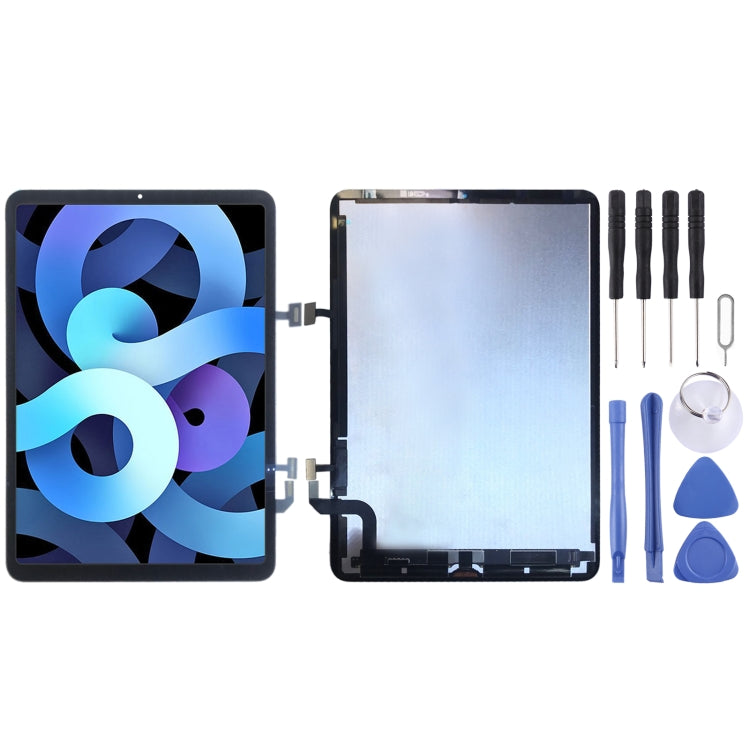
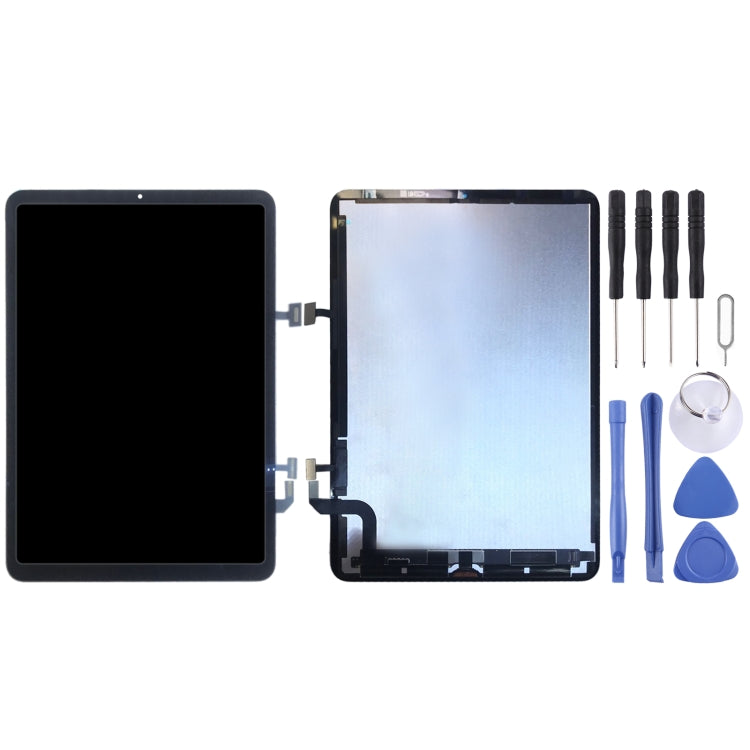
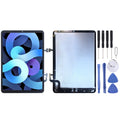
LCD Screen and Digitiser Assembly
Apple iPad Air 4 10.9 (2020) LCD Screen and Digitiser Assembly Replacement
- Fits
- Apple iPad Air 4 10.9 (2020)
- Fixes
- Broken screen
- Quality
- Brand new, OEM quality
- Fitting
- Professional install
Overview
What this part is
The iPad Air 4 has a bonded Liquid Retina screen, with the glass, touch layer and LCD joined as one unit. Any crack in the glass, dead touch area or display fault means the complete assembly is replaced.
This part is supplied as one unit, so you do not need to move glass from your old screen. Touch ID on the Air 4 is in the top button, not the screen, so it is not affected by the screen change.
Compatibility
Specifications and compatibility
- Part
- LCD Screen and Digitiser Assembly
- Compatible with
- Apple iPad Air 4 10.9 (2020)
- Model numbers
- A2316 · A2324 · A2325
- Does not fit
- iPad 10th Gen, iPad Air 3, iPad Pro 11-inch or any other model
- Fixes
- Cracked glass, a black or lined display, dead touch or ghost touch
- Does not fix
- Battery, charging, top button or motherboard faults
- Quality
- Brand new, OEM-quality LCD and digitiser assembly. Tested before dispatch.
- Brand
- Unbranded, compatible with Apple iPad Air 4 10.9 (2020)
- In the box
- 1 × LCD and digitiser assembly. Check the photos for any adhesive included.
- Colour
- As shown in the photos
- Installation
- Professional installation recommended
- Supplied by
- Supreme Phone Parts Ltd, Manchester, UK
Before you order
Is this the right part?
Signs it needs replacing
- The glass is cracked or splintered
- The display is black, lined or patchy
- Touch or Apple Pencil input fails in places
- The screen is lifting away from the frame
How to check your model
Open Settings › General › About and tap Model Number until it shows an A-number. It should be A2316, A2324 or A2325.
The iPad Air 4 has a 10.9-inch screen, no home button and Touch ID in the top button. The Air 5 looks the same, so check the A-number.
Professional installation
How a technician fits this part
- Power the iPad off and warm the screen edges evenly.
- Lift the screen slowly with thin picks and disconnect the battery.
- Disconnect and remove the old screen.
- Connect the new assembly and test display, touch and Pencil before sealing.
- Clean the frame and apply fresh adhesive strips.
- Press the screen down evenly and run a final check.
Check that the part matches the device before fitting it or removing any adhesive backing. Once a part has been fitted, it cannot be returned for a change of mind. Faulty parts are always covered.
FAQ
Frequently asked questions
Will this fit my iPad Air 4?
Yes, if the A-number is A2316, A2324 or A2325.
Does it fit the iPad Air 5?
We list a separate screen for the iPad Air 5 (A2589 / A2591). Please order that one for an Air 5.
Will Touch ID still work?
Touch ID on the Air 4 is in the top button, which is not part of the screen, so the screen change does not affect it.
Is it made by Apple?
No. It is a brand new, OEM-quality LCD and digitiser assembly made to fit the iPad Air 4, and it is tested before dispatch.
Should I fit it myself?
We recommend professional installation. The screen is thin and glued down, and a cracked screen is hard to lift in one piece.
How quickly will it arrive?
Orders placed before 4pm on a working day are dispatched the same day from Manchester by Royal Mail Tracked. Delivery is free on UK orders from £5.
Prepared by the Supreme Phone Parts team, Manchester. Last updated September 2026.