

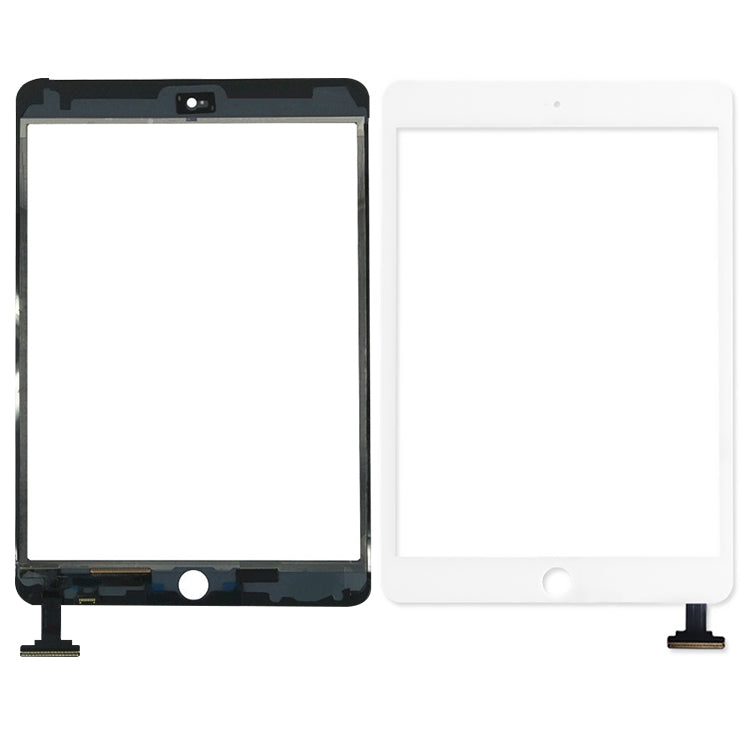
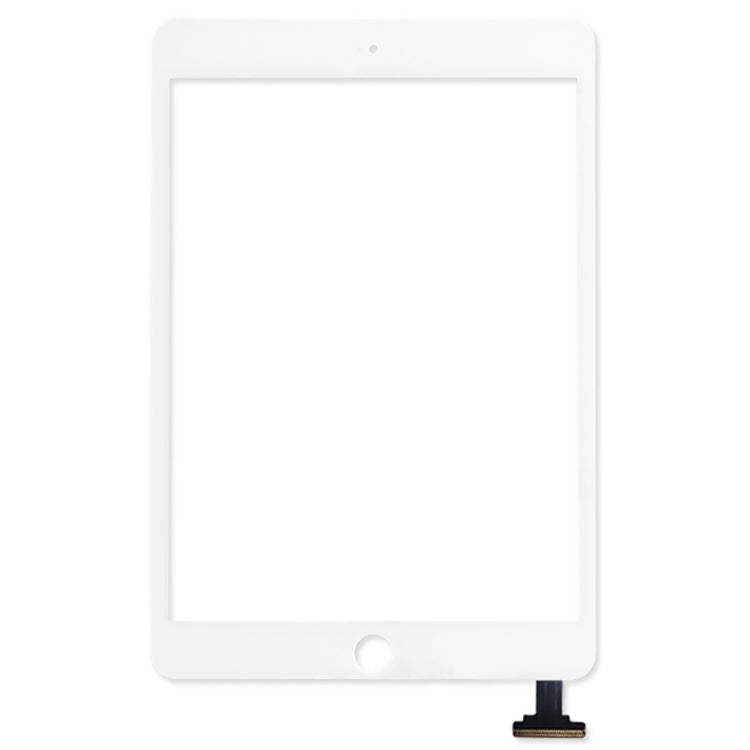
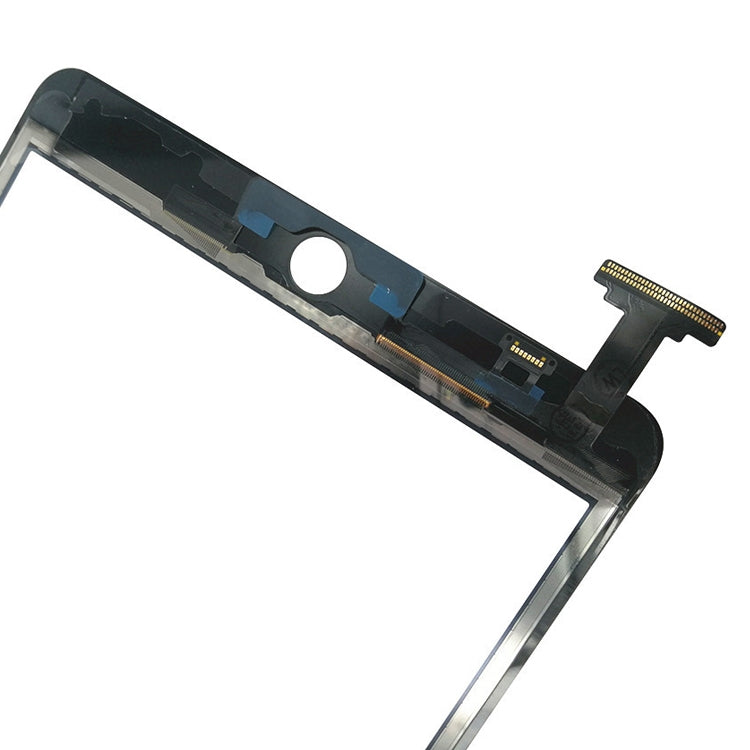
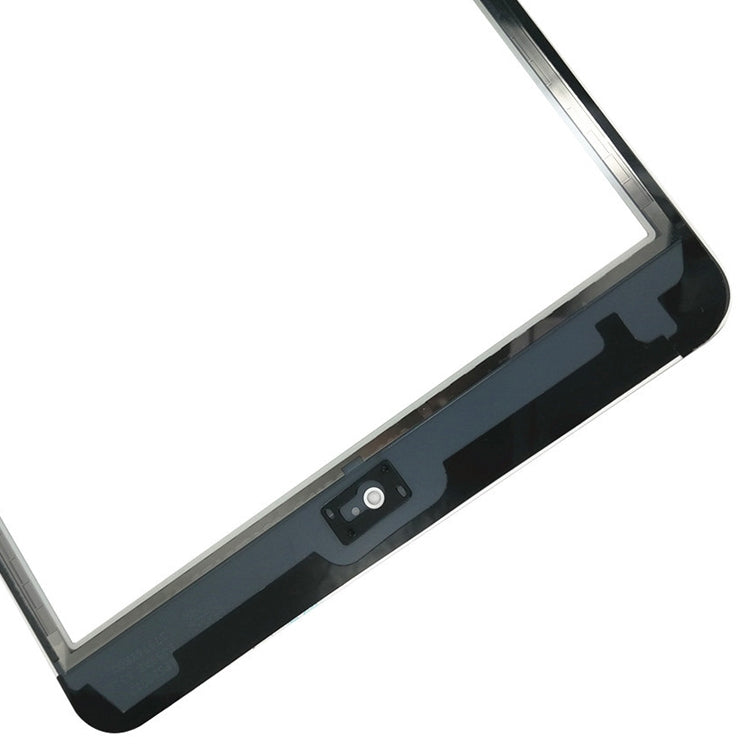
Touch Panel Digitiser Glass
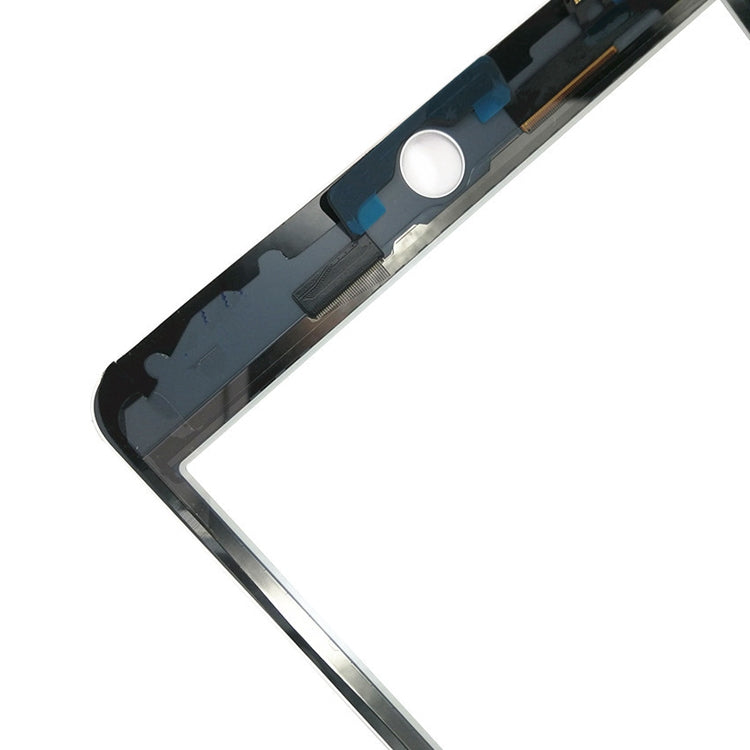
Apple iPad mini 1st generation and iPad mini 2 (Retina) Touch Panel Digitiser Glass Replacement
- Fits
- Apple iPad mini 1st generation and iPad mini 2 (Retina)
- Fixes
- Broken front glass
- Quality
- Brand new, OEM quality
- Fitting
- Professional install
Overview
What this part is
The iPad mini 1 and mini 2 have their touch glass and LCD as two separate layers. When the glass cracks but the picture is still clear, only the digitiser needs changing. This saves the cost of a full display.
This panel is white, to match a white-fronted iPad mini. Bonding it neatly to the frame takes patience: the old adhesive must be cleaned off fully, and the new glass must be lined up before it is pressed down, or air bubbles and gaps can appear.
Compatibility
Specifications and compatibility
- Part
- Touch Panel Digitiser Glass
- Compatible with
- Apple iPad mini 1st generation and iPad mini 2 (Retina)
- Model numbers
- A1432 · A1454 · A1489 · A1490
- Does not fit
- iPad mini 3, iPad mini 4, iPad mini 5 or any other model
- Fixes
- Cracked front glass and dead or erratic touch
- Does not fix
- LCD faults such as black screens or lines, charging or battery faults
- Quality
- Brand new, OEM-quality white touch panel digitiser. Tested before dispatch.
- Brand
- Unbranded, compatible with Apple iPad mini 1st generation and iPad mini 2 (Retina)
- In the box
- 1 × white touch panel digitiser glass. The LCD is not included.
- Colour
- White
- Installation
- Professional installation recommended
- Supplied by
- Supreme Phone Parts Ltd, Manchester, UK
Before you order
Is this the right part?
Signs it needs replacing
- The glass is cracked on a white-fronted iPad mini
- Touch is dead along an edge or in one corner
- Taps are ignored or land in the wrong place
- The picture is clear but the glass is damaged
How to check your model
Open Settings › General › About and look at Model Name. Tap Model Number to see the A number, which is also printed in small text on the back of the iPad. It should read iPad mini or iPad mini 2, with an A number of A1432, A1454, A1489 or A1490.
Check the front of your iPad is white before ordering. The mini 3 has a Touch ID home button and needs a different part.
Professional installation
How a technician fits this part
- Switch off and warm the edges of the old glass.
- Remove the cracked glass slowly and protect the LCD underneath.
- Clean all old adhesive and glass fragments from the frame.
- Move the home button and bracket to the new panel.
- Connect and test touch before fitting new adhesive.
- Line up the glass carefully, then press it down evenly.
Check that the part matches the device before fitting it or removing any adhesive backing. Once a part has been fitted, it cannot be returned for a change of mind. Faulty parts are always covered.
FAQ
Frequently asked questions
Will this fit my iPad mini 2?
Yes. It fits the iPad mini 1st generation and iPad mini 2, listed for A1432, A1454, A1489 and A1490.
Does it fit the iPad mini 3?
No. The mini 3 uses a different digitiser for its Touch ID home button. We sell a separate mini 3 part.
Can I keep my existing LCD?
Yes. If the picture under the cracked glass is clear, your LCD stays in place. Only the touch glass is replaced.
Is it made by Apple?
No. It is a brand new, OEM-quality white touch panel made to fit the iPad mini 1 and mini 2, and it is tested before dispatch.
Should I fit it myself?
We recommend professional installation. Clean bonding without bubbles or misalignment is hard to get right at home.
How quickly will it arrive?
Orders placed before 4pm on a working day are dispatched the same day from Manchester by Royal Mail Tracked. Delivery is free on UK orders from £5.
Prepared by the Supreme Phone Parts team, Manchester. Last updated September 2026.