


SIM Card Reader Socket
Apple iPhone 11 SIM Card Reader Socket Replacement
- Fits
- Apple iPhone 11
- Fixes
- No SIM detected
- Quality
- Brand new, OEM quality
- Fitting
- Professional install
Overview
What this part is
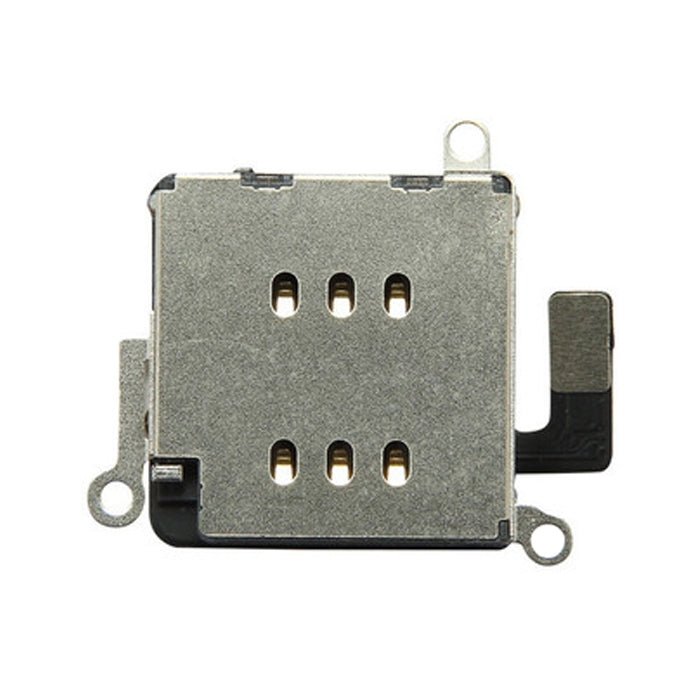
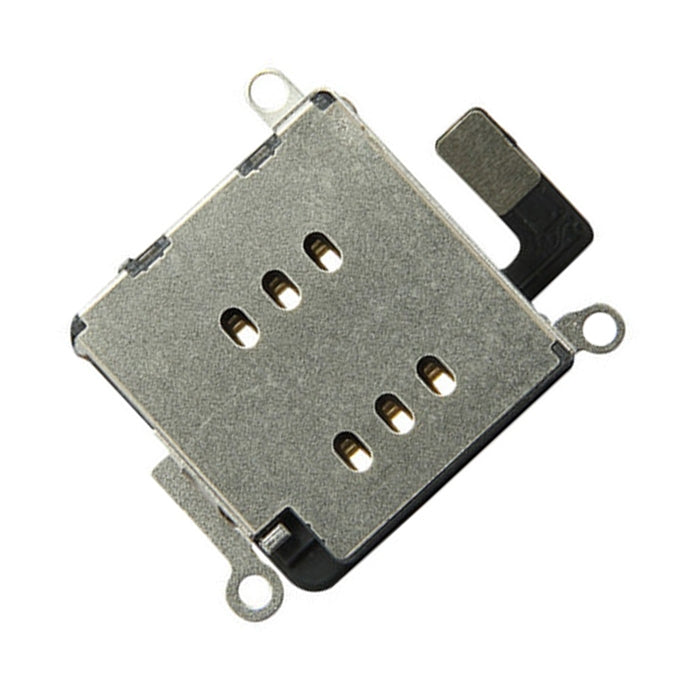
On the iPhone 11, the SIM card reader is soldered to the logic board. Small spring pins touch the nano-SIM when the tray is closed. If a pin is bent, flattened or corroded, often after a SIM adapter or a wrong tray is forced in, the phone shows No SIM or keeps losing the network.
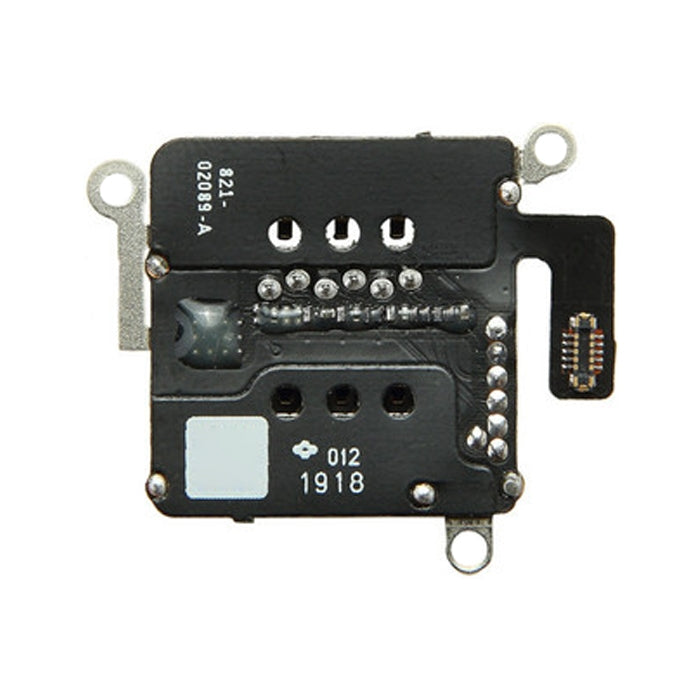
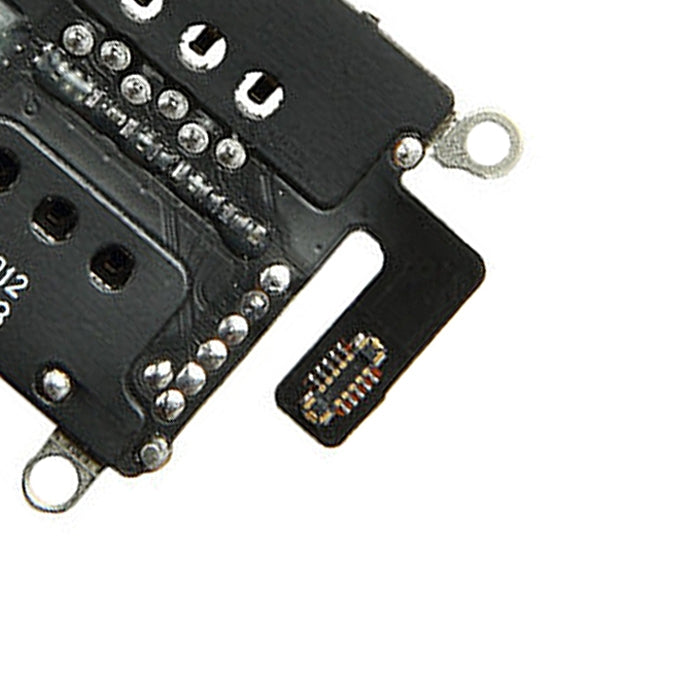
This part is the reader socket only. Fitting it means taking out the logic board and soldering the new reader in with hot air, so it suits experienced board-level technicians. Try another SIM and a new tray first to rule out a simpler fix.
Compatibility
Specifications and compatibility
- Part
- SIM Card Reader Socket
- Compatible with
- Apple iPhone 11
- Model numbers
- A2221 · A2111 · A2223
- Does not fit
- iPhone 11 Pro, iPhone 11 Pro Max, iPhone XR or any other model
- Fixes
- No SIM detected, a SIM that drops in and out, and bent or broken reader pins
- Does not fix
- Network faults from the modem or baseband chip, and a lost or bent SIM tray
- Quality
- Brand new, OEM-quality SIM card reader socket for the iPhone 11. Tested before dispatch.
- Brand
- Unbranded, compatible with Apple iPhone 11
- In the box
- 1 × SIM card reader socket. Tools and solder are not included.
- Colour
- As shown in the photos
- Installation
- Professional installation recommended
- Supplied by
- Supreme Phone Parts Ltd, Manchester, UK
Before you order
Is this the right part?
Signs it needs replacing
- No SIM or Invalid SIM appears with a SIM that works in other phones
- Signal comes and goes when the phone is moved
- Pins inside the SIM slot look bent, flat or missing
- The problem began after a SIM adapter got stuck in the slot
How to check your model
Open Settings › General › About. The Model Name should read iPhone 11. Tap the Model Number to see the A-number (A2221, A2111, A2223).
The iPhone 11 has a 6.1-inch screen and two rear cameras. The 11 Pro and 11 Pro Max have three, and need a different reader.
Professional installation
How a technician fits this part
- Power the phone off, remove the SIM tray and open the display.
- Disconnect the battery and take out the logic board.
- Heat the board evenly and lift off the old reader with hot air and flux.
- Clean the pads, place the new reader and solder it down.
- Inspect the joints under magnification and refit the board.
- Reassemble and test with a working SIM: signal, calls and mobile data.
Check that the part matches the device before fitting it or removing any adhesive backing. Once a part has been fitted, it cannot be returned for a change of mind. Faulty parts are always covered.
FAQ
Frequently asked questions
Will this fit my iPhone 11?
Yes, if Settings › General › About shows iPhone 11. It fits models A2221, A2111 and A2223.
Does it fit the iPhone XR?
No. The iPhone XR has a different logic board. This reader is listed for the iPhone 11 only.
Will it fix No SIM if the reader is not damaged?
No. If the pins look fine and another SIM and tray do not help, the fault may be on the board itself, which this part does not fix.
Is it made by Apple?
No. It is a brand new, OEM-quality sim card reader socket made to fit the iPhone 11, and every part is tested before dispatch.
Should I fit it myself?
Only if you have board-level soldering skills. Heat can damage nearby chips on the iPhone 11 board. We recommend professional installation.
How quickly will it arrive?
Orders placed before 4pm on a working day are dispatched the same day from Manchester, with free Royal Mail Tracked delivery on UK orders from £5. Returns are accepted within 30 days from receipt.
Prepared by the Supreme Phone Parts team, Manchester. Last updated September 2026.