

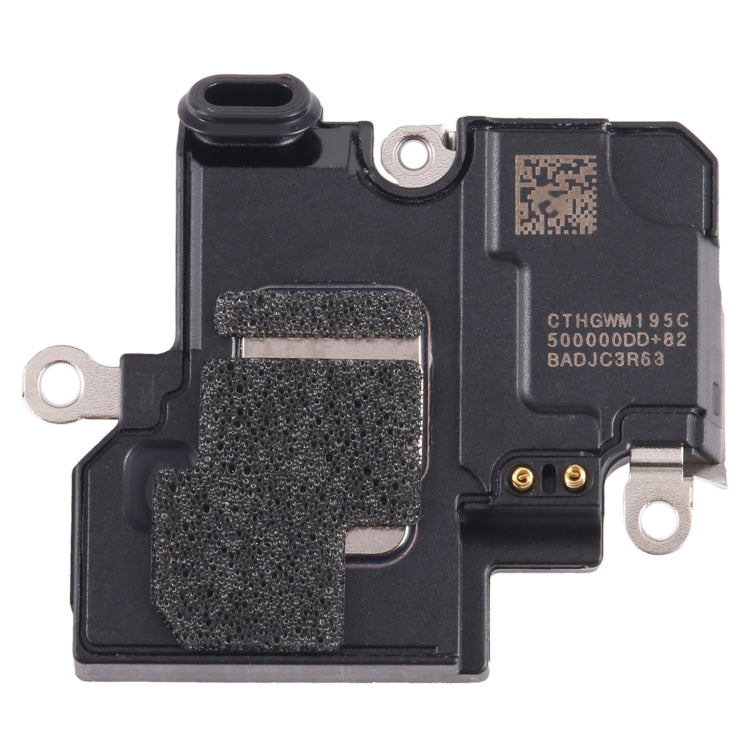
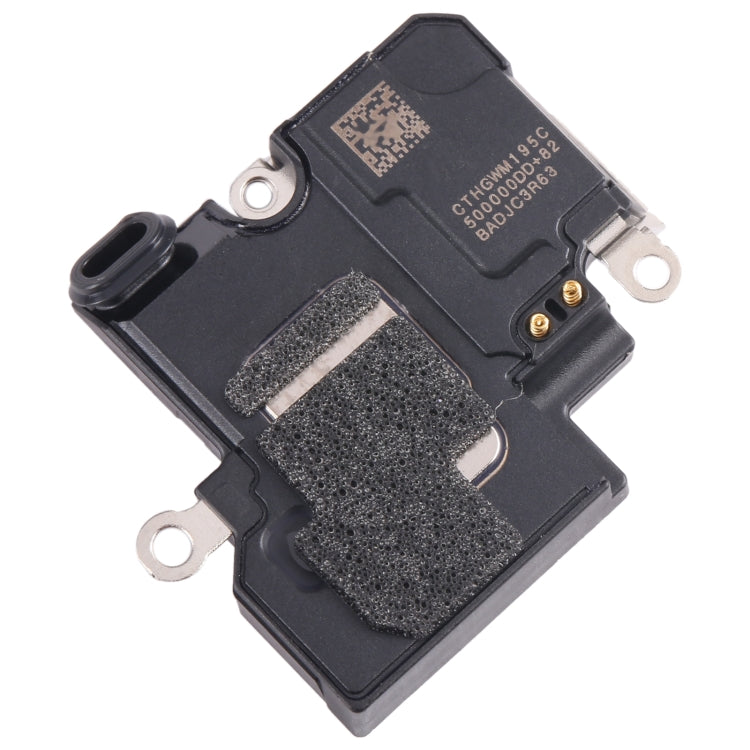
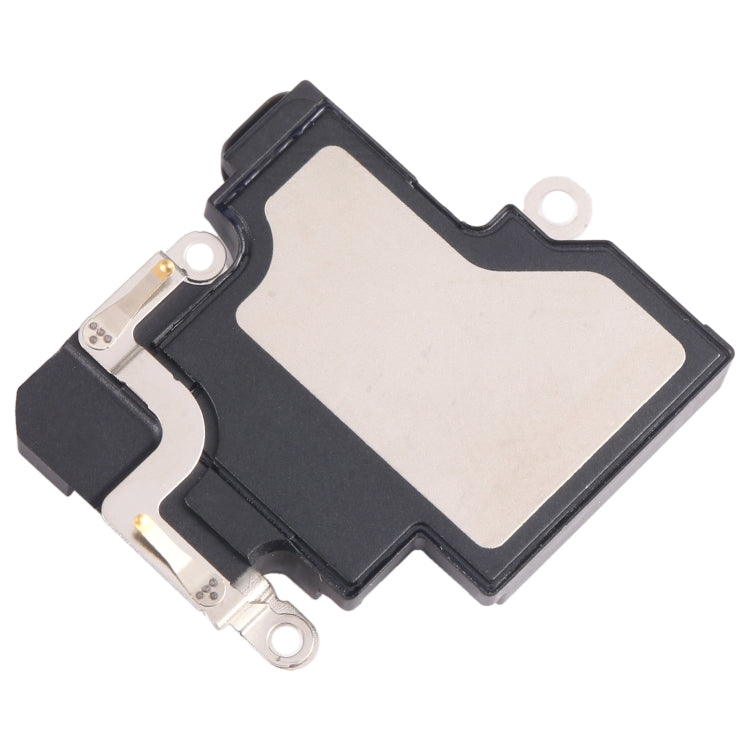
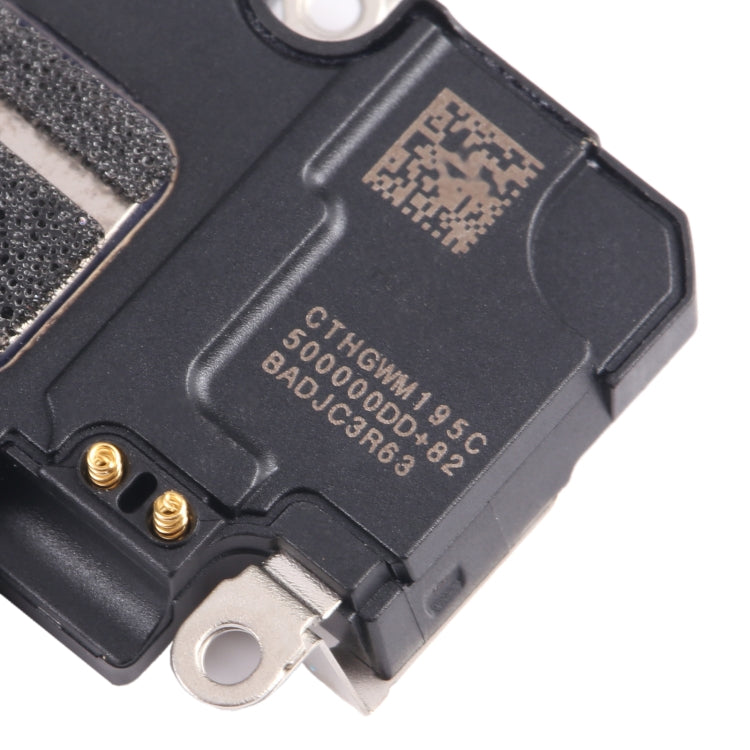

Earpiece Speaker
Apple iPhone 15 Earpiece Speaker Replacement
- Fits
- Apple iPhone 15
- Fixes
- Quiet call audio
- Quality
- Brand new, OEM quality
- Fitting
- Professional install
Overview
What this part is
The iPhone 15 plays call audio through a small earpiece speaker at the top of the screen, beside the Dynamic Island. If callers sound faint or crackly at your ear but speakerphone is fine, the earpiece is the usual cause.
This part is the earpiece speaker on its own. It is the simplest fix when the proximity sensor still works, so the screen turns off normally during calls. The speaker sits behind the display, so the screen must be opened to reach it. Clean the grille first, as trapped dust often causes quiet calls.
Compatibility
Specifications and compatibility
- Part
- Earpiece Speaker
- Compatible with
- Apple iPhone 15
- Model numbers
- A2846 · A3089 · A3090 · A3092
- Does not fit
- iPhone 15 Plus, iPhone 15 Pro, iPhone 14 or any other model
- Fixes
- Quiet, crackling, muffled or dead call audio at the ear
- Does not fix
- The bottom loudspeaker, proximity sensor, microphones or Face ID faults
- Quality
- Brand new, OEM-quality earpiece speaker. Tested before dispatch.
- Brand
- Unbranded, compatible with Apple iPhone 15
- In the box
- 1 × earpiece speaker.
- Colour
- As shown in the photos
- Installation
- Professional installation recommended
- Supplied by
- Supreme Phone Parts Ltd, Manchester, UK
Before you order
Is this the right part?
Signs it needs replacing
- Callers sound faint at the ear
- Call audio is muffled or crackles
- The top speaker is silent in calls
- Speakerphone works but normal calls do not
How to check your model
Open Settings › General › About. The Model Name should read iPhone 15. Tap the Model Number once to see the A-number (A2846, A3089, A3090, A3092).
The iPhone 15 has a 6.1-inch screen with the Dynamic Island, two rear cameras and a USB-C port. The iPhone 15 Plus is larger, and the iPhone 15 Pro has three rear cameras.
Professional installation
How a technician fits this part
- Power the iPhone 15 off, warm the screen edges and open the display with a suction cup and pick.
- Disconnect the battery before touching any other connector.
- Remove the bracket over the earpiece speaker and lift the old part out carefully.
- Fit the new earpiece speaker, reconnect it and refit the bracket and screws in the right holes.
- Reconnect the display and battery, then test before sealing with new adhesive.
- Check calls, the front camera, Face ID and auto-dimming during a call.
Check that the part matches the device before fitting it or removing any adhesive backing. Once a part has been fitted, it cannot be returned for a change of mind. Faulty parts are always covered.
FAQ
Frequently asked questions
Will this fit my iPhone 15?
Yes, if Settings › General › About shows iPhone 15. It fits models A2846, A3089, A3090 and A3092.
Does it fit the iPhone 15 Plus?
Buy the part listed for your exact model. This speaker is sold for the iPhone 15 only; the iPhone 15 Plus has its own earpiece listing.
Do I need the version with the sensor flex?
Only if the screen also misbehaves in calls, such as staying on against your cheek. If only the call audio is poor, this speaker on its own is enough.
Is it made by Apple?
No. It is a brand new, OEM-quality earpiece speaker made to fit the iPhone 15, and every part is tested before dispatch.
Should I fit it myself?
We recommend professional installation. The display must be opened and the parts around Face ID are fragile.
How quickly will it arrive?
Orders placed before 4pm on a working day are dispatched the same day from Manchester by Royal Mail Tracked. Delivery is free on UK orders from £5.
Prepared by the Supreme Phone Parts team, Manchester. Last updated September 2026.