

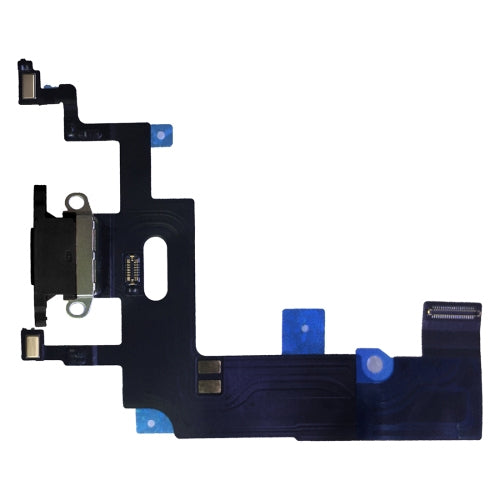
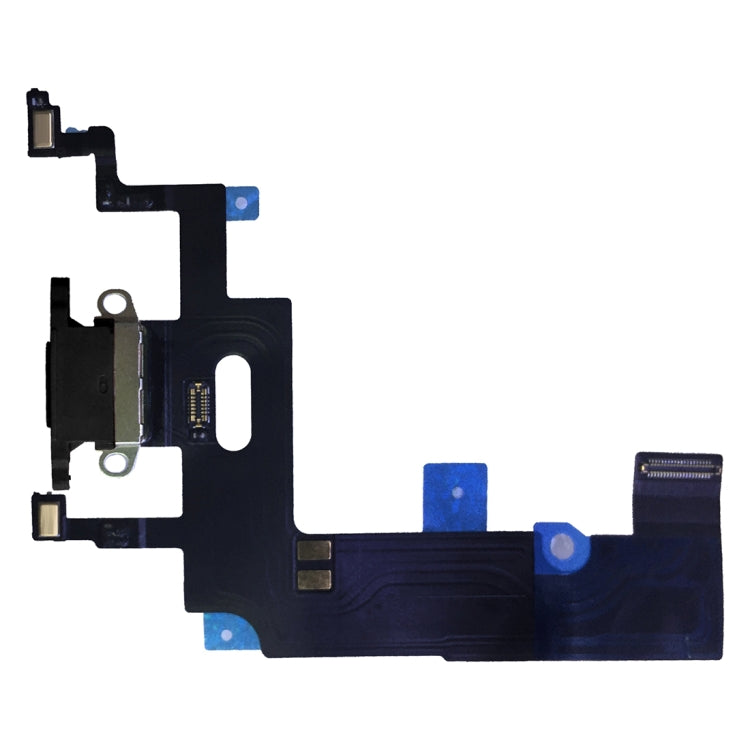
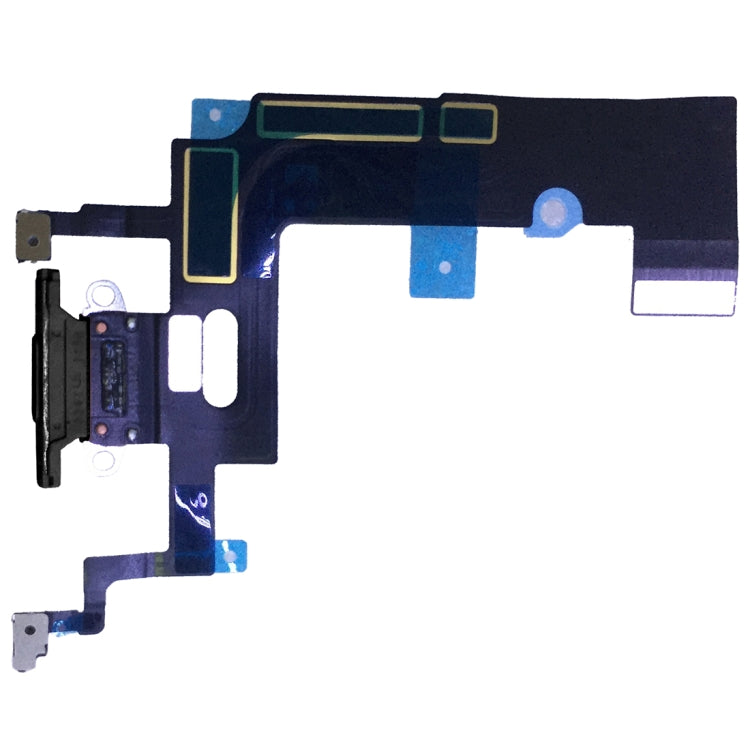
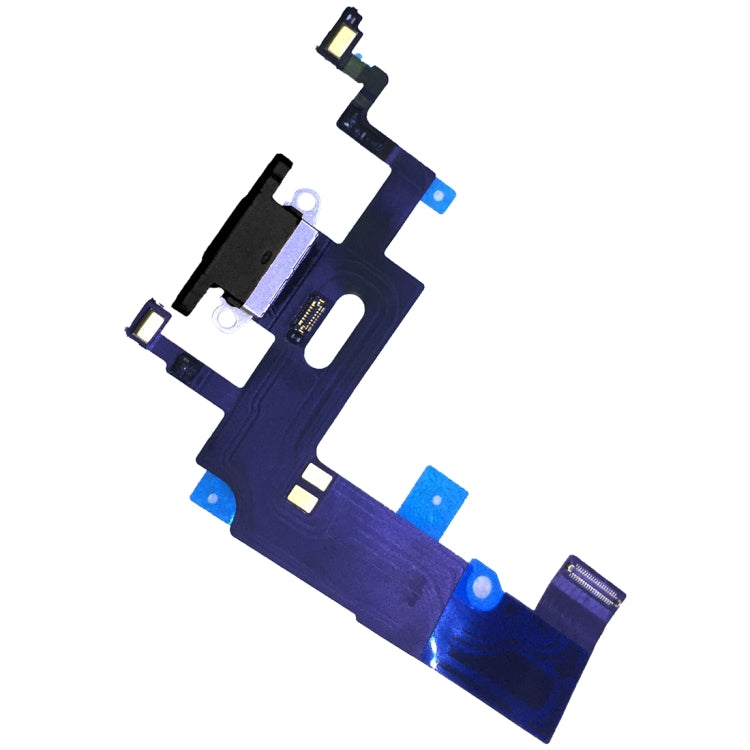
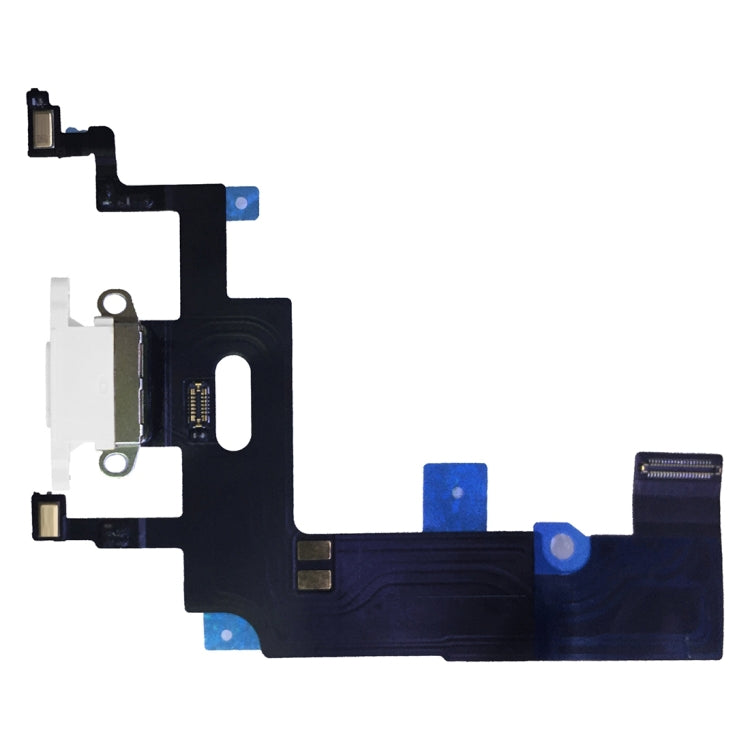
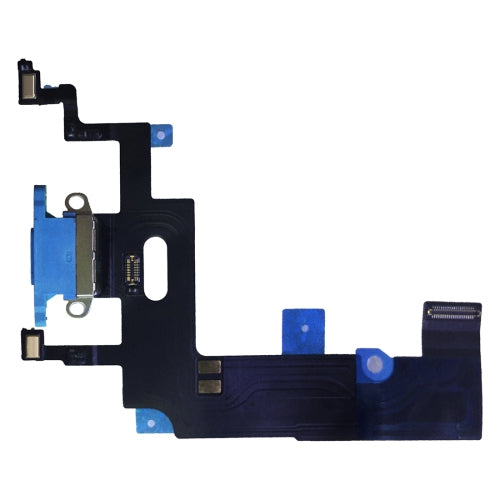
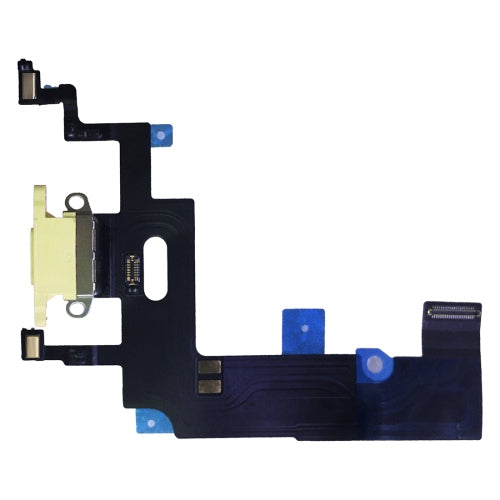
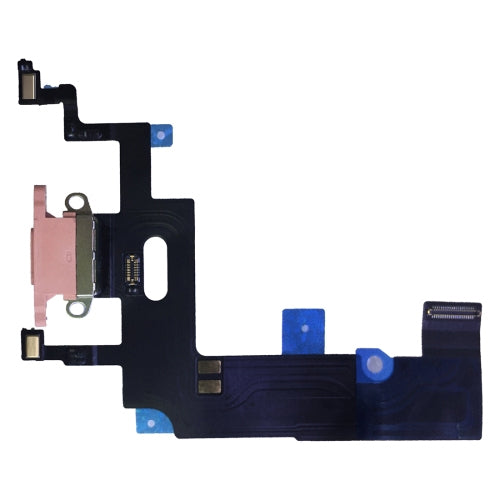
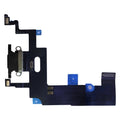
Charging Port Flex Cable
Apple iPhone XR Charging Port Flex Cable Replacement
- Fits
- Apple iPhone XR
- Fixes
- Charging faults
- Quality
- Brand new, OEM quality
- Fitting
- Professional install
Overview
What this part is
The Lightning port on the iPhone XR is part of a flex cable that runs along the bottom of the phone. Worn contacts, liquid or a bent port can stop the phone charging, make the cable feel loose, or stop it syncing with a computer.
This is the full charging port flex cable. It comes in several colours so the port surround matches your phone. Before ordering, clean lint out of the port with a wooden toothpick and try another cable, as blocked ports and faulty cables cause the same symptoms.
Compatibility
Specifications and compatibility
- Part
- Charging Port Flex Cable
- Compatible with
- Apple iPhone XR
- Model numbers
- A1984 · A2105 · A2106 · A2107 · A2108
- Does not fit
- iPhone XS, iPhone XS Max, iPhone 11 or any other model
- Fixes
- Charging that stops and starts, no charging, a loose Lightning cable and failed data sync
- Does not fix
- A worn battery, a faulty charger or cable, or logic board charging faults
- Quality
- Brand new, OEM-quality charging port flex cable. Tested before dispatch.
- Brand
- Unbranded, compatible with Apple iPhone XR
- In the box
- 1 × charging port flex cable in the colour you choose.
- Colour
- Black, White, Blue, Yellow or Pink. Choose the option that matches your phone
- Installation
- Professional installation recommended
- Supplied by
- Supreme Phone Parts Ltd, Manchester, UK
Before you order
Is this the right part?
Signs it needs replacing
- The phone only charges when the cable is held at an angle
- The Lightning cable falls out or feels loose
- The computer does not see the phone over USB
- Charging starts and stops on its own
How to check your model
Open Settings › General › About. The Model Name should read iPhone XR. Tap the Model Number once to see the A-number (A1984, A2105, A2106, A2107, A2108).
The iPhone XR has a 6.1-inch LCD screen, Face ID, a single rear camera and a Lightning port. The iPhone 11 is a similar size but has two rear cameras.
Professional installation
How a technician fits this part
- Power the iPhone XR off, remove the two bottom screws and open the display.
- Disconnect the battery before anything else.
- Remove the parts covering the charging port flex, following a guide for the iPhone XR.
- Unscrew the port, peel away the old flex and fit the new one in its place.
- Refit the parts, reconnect the battery and test charging and data.
- Seal the display with new adhesive and check the microphones and speaker.
Check that the part matches the device before fitting it or removing any adhesive backing. Once a part has been fitted, it cannot be returned for a change of mind. Faulty parts are always covered.
FAQ
Frequently asked questions
Will this fit my iPhone XR?
Yes, if Settings › General › About shows iPhone XR. It fits models A1984, A2105, A2106, A2107 and A2108.
Does it fit the iPhone 11?
No. The iPhone 11 is a similar size but uses a different charging port flex. This part is for the iPhone XR only.
Which colour should I choose?
Pick the colour of your phone's frame. The colour affects how the port surround looks from outside, not how it works.
Is it made by Apple?
No. It is a brand new, OEM-quality charging port flex cable made to fit the iPhone XR, and every part is tested before dispatch.
Should I fit it myself?
We recommend professional installation. Several parts must come out first, and the flex is glued in and tears easily.
How quickly will it arrive?
Orders placed before 4pm on a working day are dispatched the same day from Manchester by Royal Mail Tracked. Delivery is free on UK orders from £5.
Prepared by the Supreme Phone Parts team, Manchester. Last updated September 2026.