

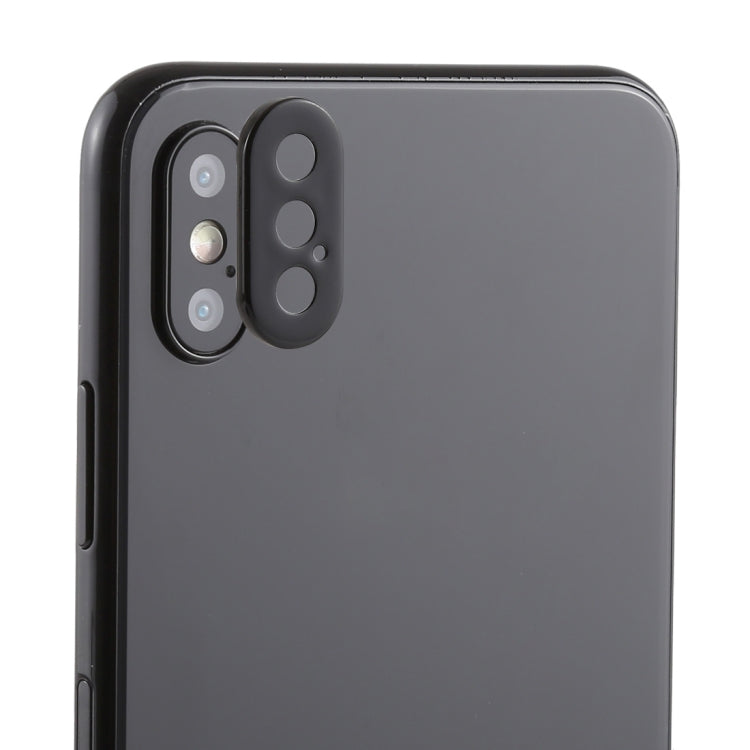
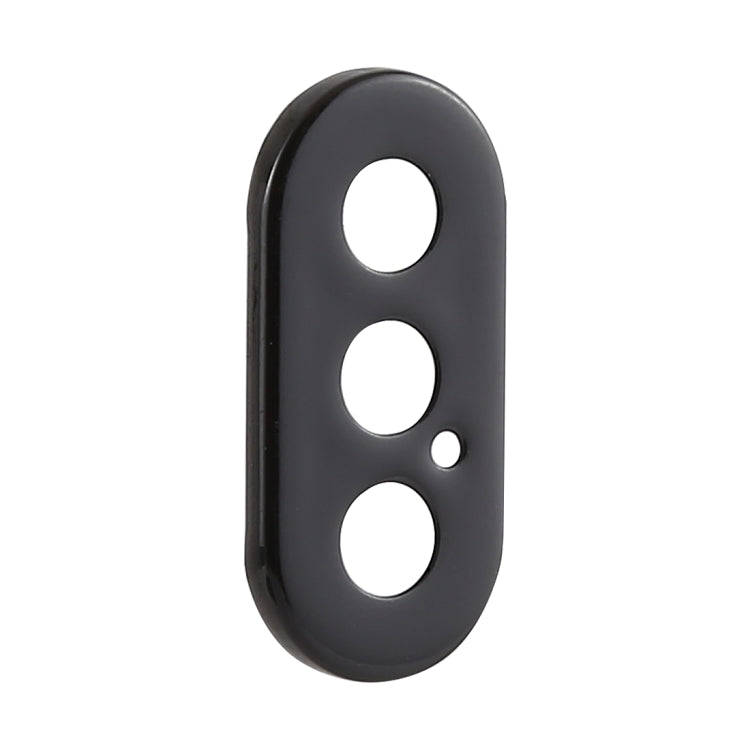
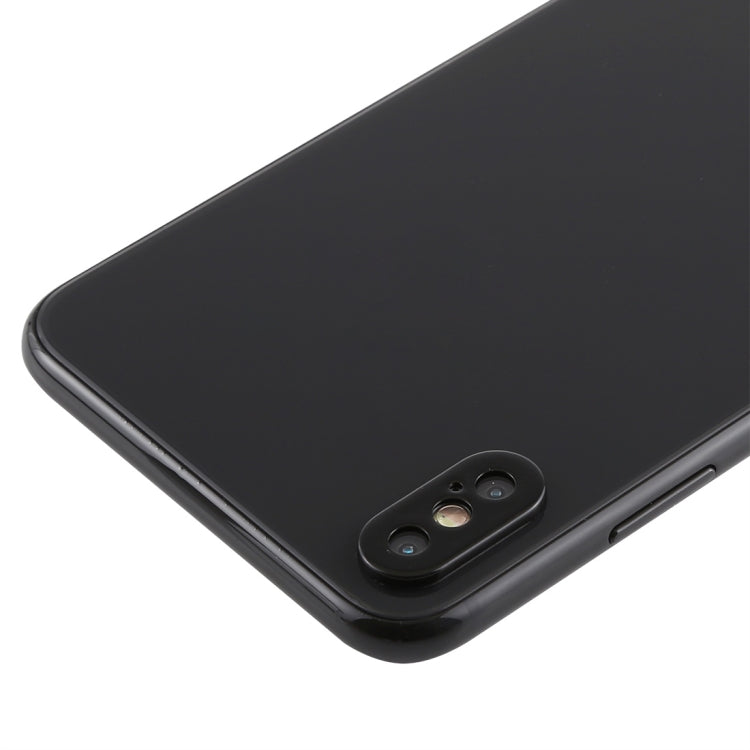
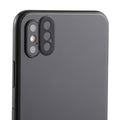
Rear Camera Lens Protector Ring with Eject Pin
Apple iPhone XS Max Rear Camera Lens Protector Ring with Eject Pin Replacement
- Fits
- Apple iPhone XS Max
- Fixes
- Scuffed camera surround
- Quality
- Brand new, OEM quality
- Fitting
- Professional install
Overview
What this part is
The iPhone XS Max has a dual camera that stands proud of the back glass. That raised surround takes most of the knocks when the phone is put down on a table or dropped, and the lens covers can scratch or chip as a result.
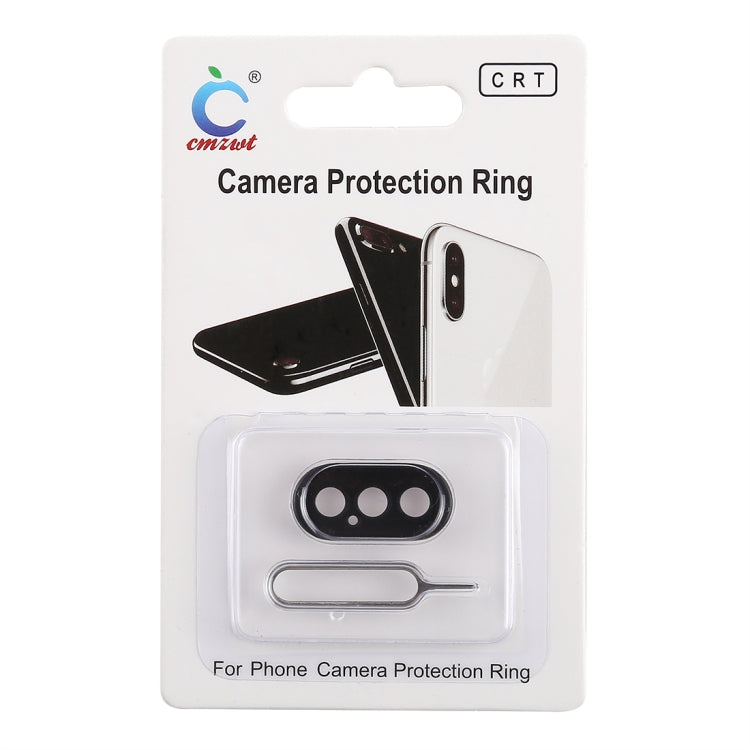
This black aluminium ring fits over the camera surround to add a protective edge. It is an add-on accessory, not a replacement camera or lens glass. It measures about 26 × 13 × 2 mm and weighs around 2 g. A SIM tray eject pin comes in the pack.
Compatibility
Specifications and compatibility
- Part
- Rear Camera Lens Protector Ring with Eject Pin
- Compatible with
- Apple iPhone XS Max
- Model numbers
- A1921 · A2101 · A2102 · A2104
- Does not fit
- iPhone XS, iPhone XR, iPhone 11 Pro Max or any other model
- Fixes
- A scuffed or exposed camera surround that needs extra protection
- Does not fix
- A cracked camera lens glass, blurred photos or a faulty camera module
- Quality
- Brand new, OEM-quality aluminium camera protector ring. Tested before dispatch.
- Brand
- Unbranded, compatible with Apple iPhone XS Max
- In the box
- 1 × rear camera protector ring (black) and 1 × SIM tray eject pin.
- Colour
- Black
- Installation
- Professional installation recommended
- Supplied by
- Supreme Phone Parts Ltd, Manchester, UK
Before you order
Is this the right part?
Signs it needs replacing
- The metal edge around the camera is scratched or dented
- You want extra protection for the raised dual camera
- The phone often rests on its back on hard surfaces
- You need a spare SIM tray eject pin
How to check your model
Open Settings › General › About. The model name should read iPhone XS Max. The iPhone XS Max has a 6.5-inch screen and two rear cameras.
The iPhone XS looks the same but is smaller, with a 5.8-inch screen. The iPhone 11 Pro Max has three rear cameras.
Professional installation
How a technician fits this part
- Remove any case and clean the camera area with a dry, lint-free cloth.
- Check the ring lines up with the camera surround before fitting.
- Place the ring over the camera housing, keeping it square to the lenses.
- Press gently and evenly around the ring so it sits flat.
- Open the camera app and check photos are clear with no dark corners.
- Keep the eject pin safe for opening the SIM tray later.
Check that the part matches the device before fitting it or removing any adhesive backing. Once a part has been fitted, it cannot be returned for a change of mind. Faulty parts are always covered.
FAQ
Frequently asked questions
Will this fit my iPhone XS Max?
Yes, if Settings › General › About shows iPhone XS Max. It fits models A1921, A2101, A2102 and A2104.
Does it fit the iPhone XS?
No. The iPhone XS is smaller and its camera housing is a different size. This ring is made for the XS Max only.
Will it affect my photos or the flash?
It is shaped to sit around the camera housing, not over the lenses. After fitting, take a test photo to check there are no dark corners.
Is it made by Apple?
No. It is a brand new, OEM-quality aluminium protector ring made to fit the iPhone XS Max, and it is tested before dispatch.
Should I fit it myself?
Yes, this one is simple to fit at home. No tools or heat are needed, and the phone does not need opening. For internal repairs we recommend professional installation.
How quickly will it arrive?
Orders placed before 4pm on a working day are dispatched the same day from Manchester by Royal Mail Tracked. Delivery is free on UK orders from £5.
Prepared by the Supreme Phone Parts team, Manchester. Last updated September 2026.