
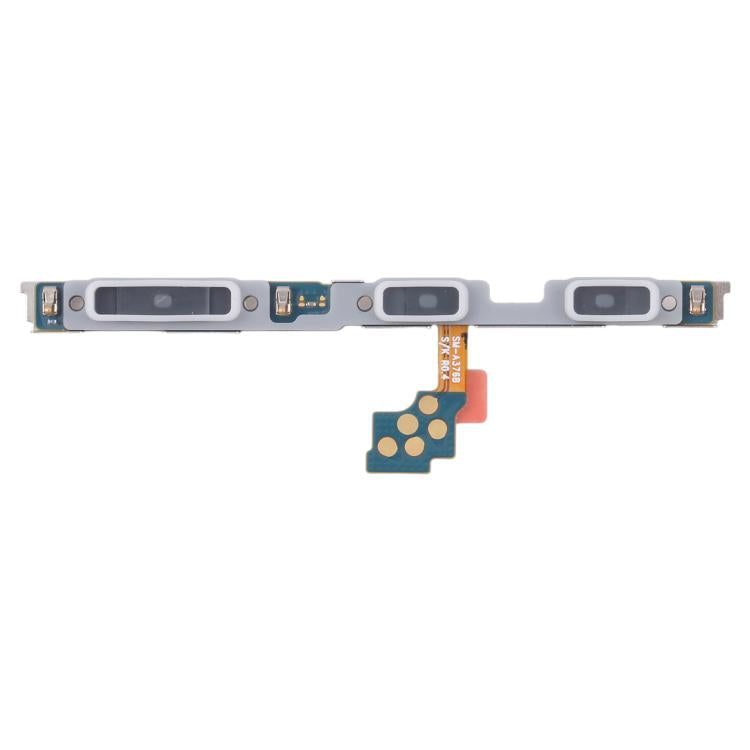
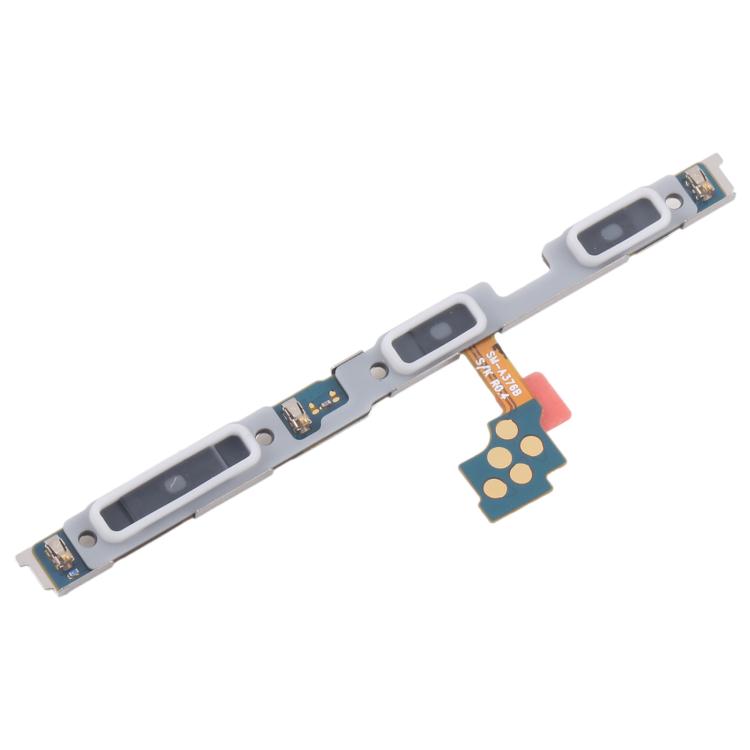

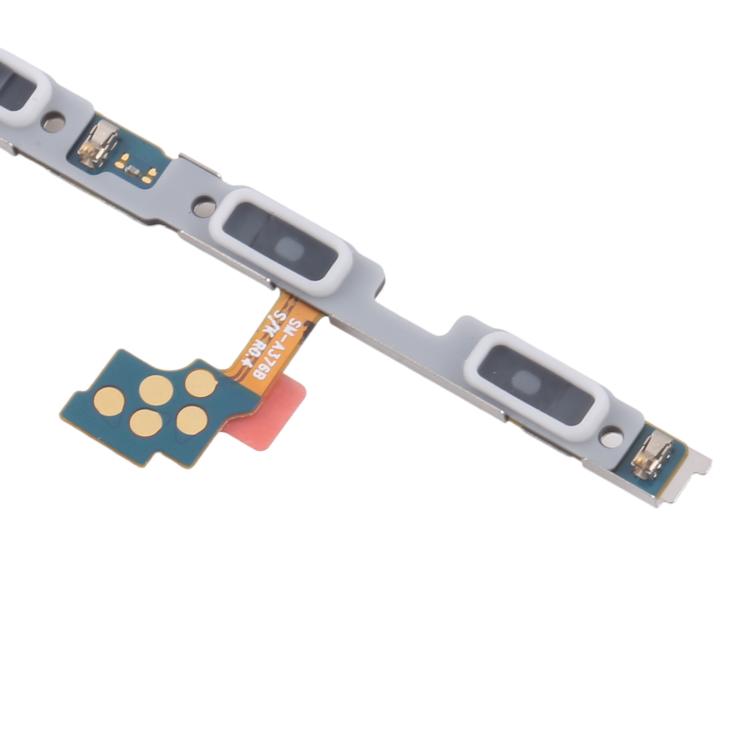

Power and Volume Button Flex Cable
Samsung Galaxy A37 Power and Volume Button Flex Cable Replacement
- Fits
- Samsung Galaxy A37
- Fixes
- Dead side buttons
- Quality
- Brand new, OEM quality
- Fitting
- Professional install
Overview
What this part is
Inside the Galaxy A37, a slim flex cable with contact switches runs behind the power and volume keys and connects them to the main board. If the phone has been dropped on its edge, got wet or had the buttons pressed very hard, the switches or the cable can fail.
This part replaces that internal cable. It is the right fix when the keys move normally but the phone does not react, or when the phone acts as if a key is held down.
Compatibility
Specifications and compatibility
- Part
- Power and Volume Button Flex Cable
- Compatible with
- Samsung Galaxy A37
- Model numbers
- SM-A376B
- Does not fit
- Galaxy A36, A56, A57 or any other model
- Fixes
- Power or volume keys that do not respond, stick or work intermittently
- Does not fix
- Screen, battery, charging or motherboard faults, or physically broken outer button caps
- Quality
- Brand new, OEM-quality power and volume button flex cable. Tested before dispatch.
- Brand
- Unbranded, compatible with Samsung Galaxy A37
- In the box
- 1 × power and volume button flex cable. Tools and adhesive are not included unless shown in the photos.
- Colour
- Not applicable (internal part)
- Installation
- Professional installation recommended
- Supplied by
- Supreme Phone Parts Ltd, Manchester, UK
Before you order
Is this the right part?
Signs it needs replacing
- The side key will not lock or wake the phone
- Volume changes randomly or not at all
- The phone boots into recovery or takes screenshots unasked
- Keys respond only with a very firm press
How to check your model
Open Settings › About phone. The model number should read SM-A376B (Galaxy A37).
The A36 and A57 use different flex cables, so check the number carefully.
Professional installation
How a technician fits this part
- Power off and remove the SIM tray.
- Gently heat and lift the back cover.
- Remove the internal cover and disconnect the battery.
- Disconnect and lift out the old side key flex.
- Seat the new flex behind the keys and plug it in.
- Reconnect the battery, test each key, then reseal the back cover.
Check that the part matches the device before fitting it or removing any adhesive backing. Once a part has been fitted, it cannot be returned for a change of mind. Faulty parts are always covered.
FAQ
Frequently asked questions
Will this fit my Galaxy A37?
Yes, if Settings › About phone shows SM-A376B.
Does it fit the Galaxy A36 or A57?
No. Those models use their own side key flex cables.
Can a software problem look like a broken button?
Yes, sometimes. Restart the phone and check for updates first. If the key still does nothing, or works only now and then, the flex cable is the likely cause.
Is it made by Samsung?
No. It is a brand new, OEM-quality flex cable made to fit the Galaxy A37, and it is tested before dispatch.
Should I fit it myself?
We recommend professional installation. The phone must be opened with heat, and the battery must be disconnected before any other connector.
How quickly will it arrive?
Orders placed before 4pm on a working day are dispatched the same day from Manchester by Royal Mail Tracked. Delivery is free on UK orders from £5.
Prepared by the Supreme Phone Parts team, Manchester. Last updated September 2026.