

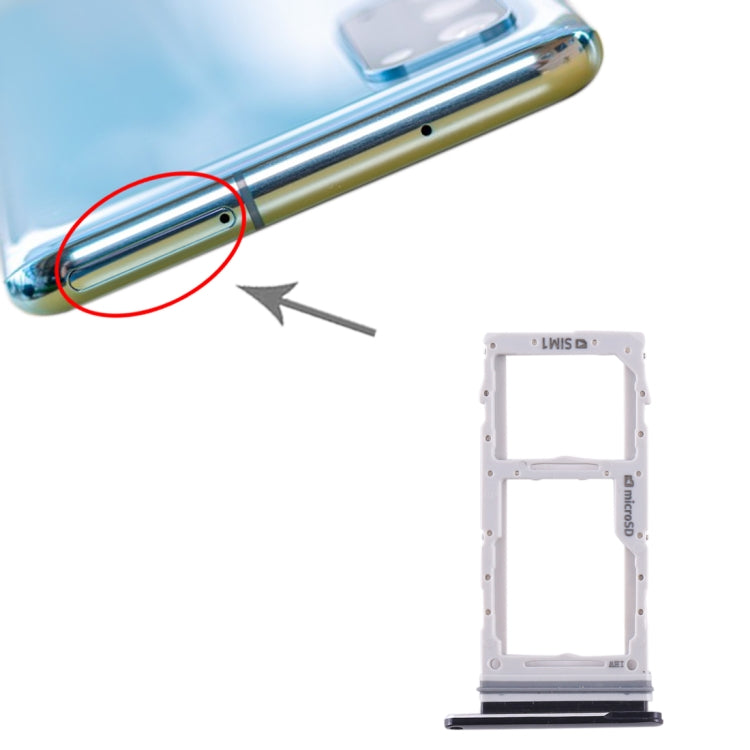

Dual SIM Card Tray
Samsung Galaxy S20 Dual SIM Card Tray Replacement
- Fits
- Samsung Galaxy S20
- Fixes
- Lost or broken SIM tray
- Quality
- Brand new, OEM quality
- Fitting
- Professional install
Overview
What this part is
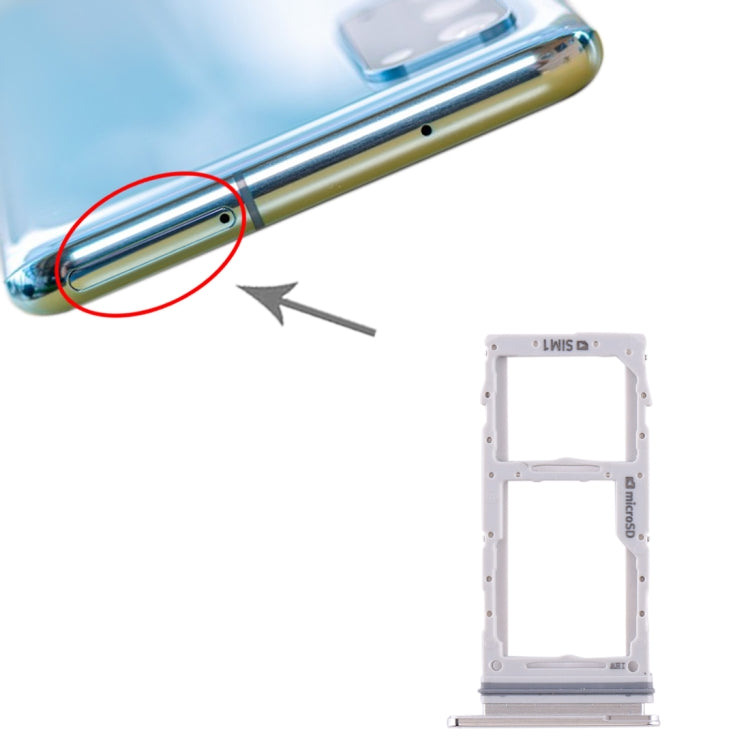
The SIM tray on the Galaxy S20 sits in the top edge of the frame. It holds your nano-SIM cards and a microSD card. A bent or cracked tray can stop the phone reading the SIM, and a missing tray lets dust and moisture into the slot.
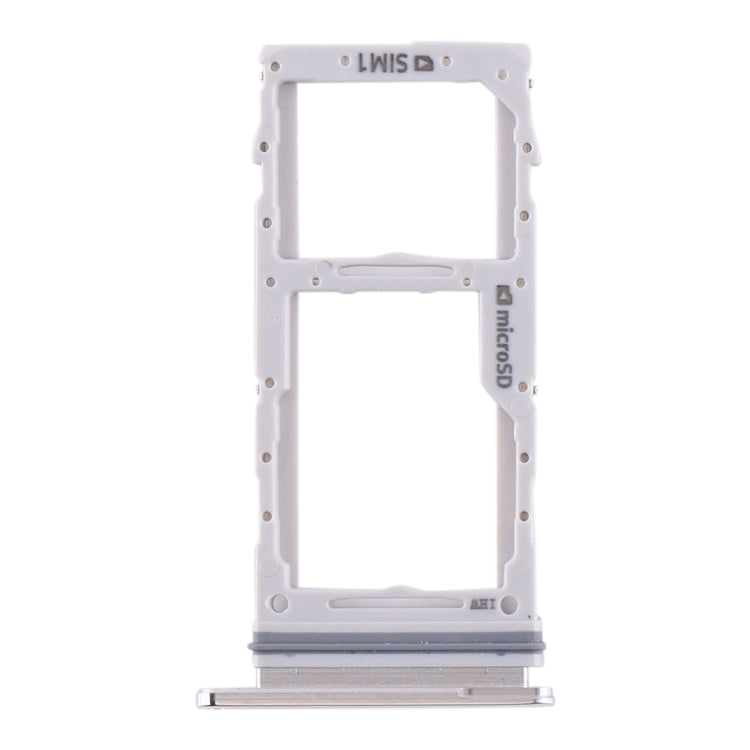
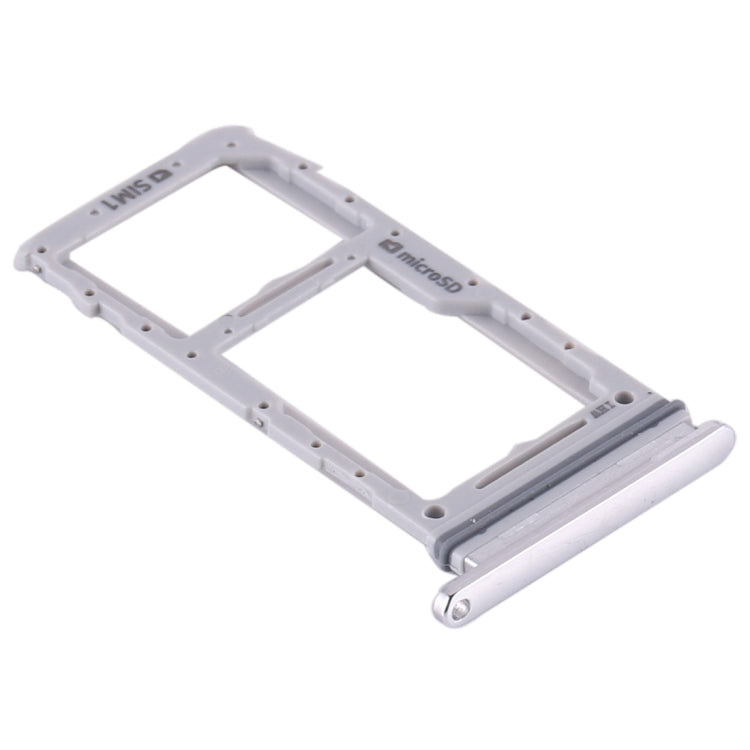
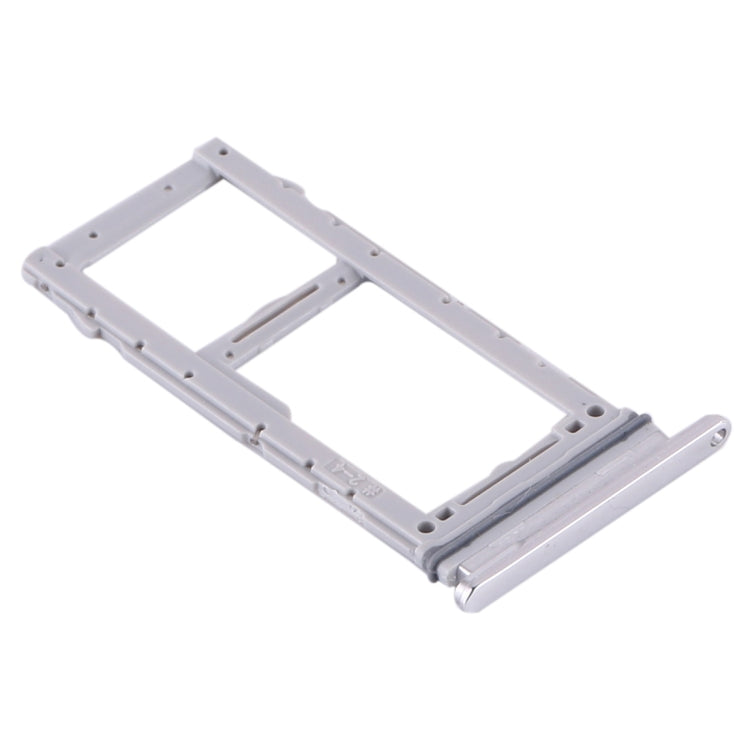
This dual-SIM tray is listed for the Galaxy S20 in white or black. Pick the colour that matches your phone's frame. It simply slides into the slot with no need to open the phone.
Compatibility
Specifications and compatibility
- Part
- Dual SIM Card Tray
- Compatible with
- Samsung Galaxy S20
- Model numbers
- SM-G980F · SM-G981B
- Does not fit
- Galaxy S20+, S20 Ultra, S20 FE or any other model
- Fixes
- A lost, bent, cracked or loose SIM card tray
- Does not fix
- A damaged SIM reader, no signal caused by the antenna or network, or a faulty microSD card
- Quality
- Brand new, OEM-quality dual SIM and microSD card tray. Tested before dispatch.
- Brand
- Unbranded, compatible with Samsung Galaxy S20
- In the box
- 1 × Galaxy S20 dual SIM card tray in the colour you choose.
- Colour
- White or Black (choose from the options)
- Installation
- Professional installation recommended
- Supplied by
- Supreme Phone Parts Ltd, Manchester, UK
Before you order
Is this the right part?
Signs it needs replacing
- The tray is lost or was left in another phone
- The tray is bent and will not slide in flush
- The phone shows No SIM even with a working card
- The tray is cracked or the card falls out
How to check your model
Open Settings › About phone. The Model name should read Galaxy S20. The Model number should start SM-G980 (4G) or SM-G981 (5G).
The Galaxy S20 has a 6.2-inch screen and three rear cameras. The S20+ and S20 Ultra are larger and need a different tray.
Professional installation
How a technician fits this part
- Power the Samsung Galaxy S20 off before you remove the tray.
- Push the ejector pin gently into the small hole beside the tray until the tray slides out.
- Take out the old or damaged tray and check the slot for bent pins or a stuck card.
- Place your nano-SIM (and microSD card if used) in the new tray, gold contacts facing down.
- Slide the tray in the right way up until it sits flush with the frame. Do not force it.
- Power the phone on and check that the SIM and memory card are detected.
Check that the part matches the device before fitting it or removing any adhesive backing. Once a part has been fitted, it cannot be returned for a change of mind. Faulty parts are always covered.
FAQ
Frequently asked questions
Will this fit my Galaxy S20?
Yes, if Settings › About phone shows Galaxy S20 and the model number starts SM-G980 or SM-G981.
Does it fit the Galaxy S20+ or S20 FE?
No. The S20+ and S20 FE have their own trays. Check our separate listings for those models.
Does this tray hold two SIM cards?
Yes. This is the dual-SIM tray for the Galaxy S20, with room for a microSD card. A single-SIM phone may not use the second slot.
Is it made by Samsung?
No. It is a brand new, OEM-quality SIM card tray made to fit the Galaxy S20, and every part is tested before dispatch.
Should I fit it myself?
Yes, this is a simple swap. Power the phone off, use a SIM ejector pin and slide the new tray in gently. No heat or tools are needed.
How quickly will it arrive?
Orders placed before 4pm on a working day are dispatched the same day from Manchester by Royal Mail Tracked. Delivery is free on UK orders from £5.
Prepared by the Supreme Phone Parts team, Manchester. Last updated September 2026.