

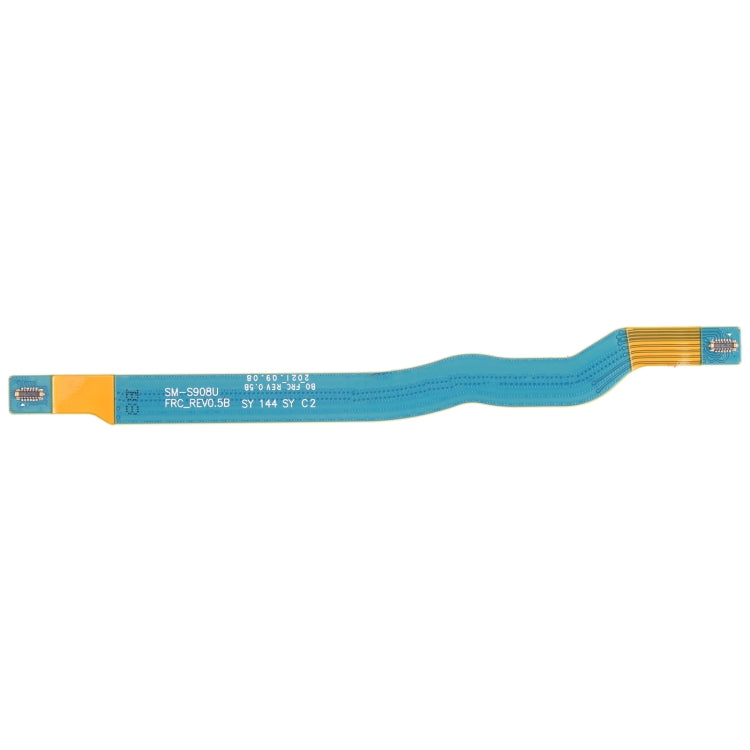
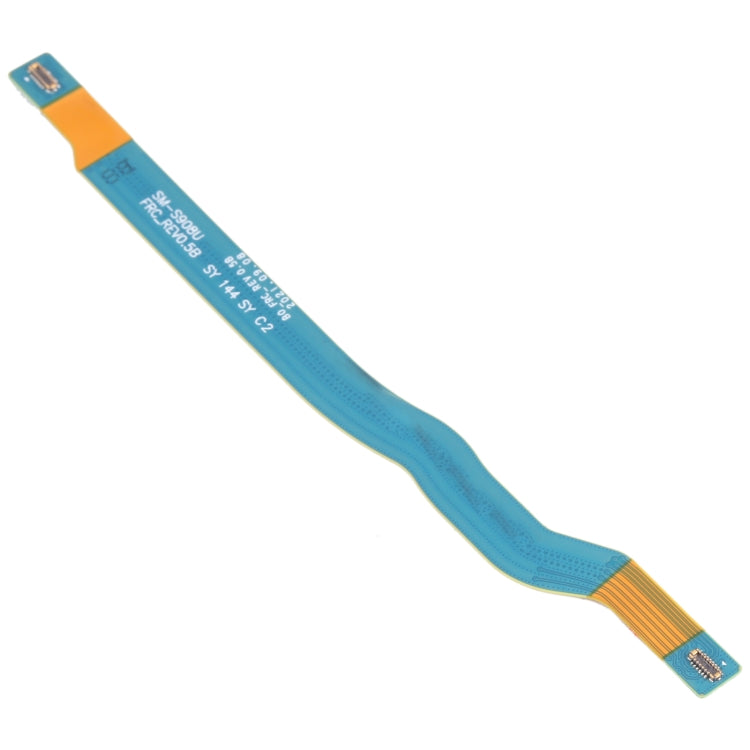
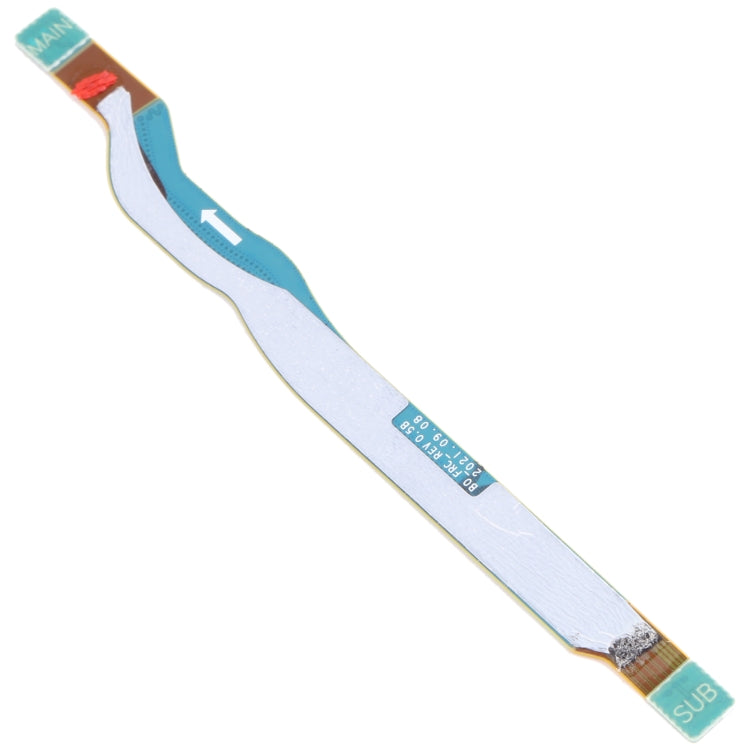
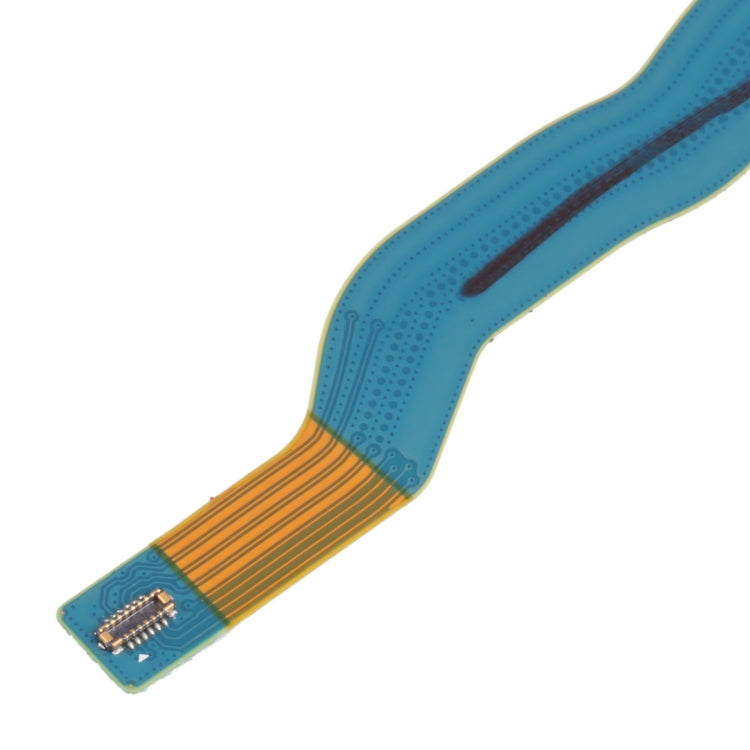
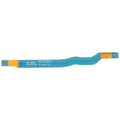
Signal Antenna Flex Cable
Samsung Galaxy S22 Ultra Signal Antenna Flex Cable Replacement
- Fits
- Samsung Galaxy S22 Ultra
- Fixes
- Weak or no signal
- Quality
- Brand new, OEM quality
- Fitting
- Professional install
Overview
What this part is
The Galaxy S22 Ultra is a tall phone, and its antenna cable runs a long way from the motherboard near the cameras down past the battery to the lower board by the S Pen slot. A pinched or loose cable along that route cuts signal strength.
Before you order, test your SIM card in another phone and check your network status and settings. If the SIM and network are fine but signal is still weak or missing, a damaged antenna cable is a common cause.
Compatibility
Specifications and compatibility
- Part
- Signal Antenna Flex Cable
- Compatible with
- Samsung Galaxy S22 Ultra
- Model numbers
- SM-S908B
- Does not fit
- Galaxy S22, S22+, S23 Ultra or any other model
- Fixes
- Weak signal, dropped calls, slow mobile data or no service caused by a damaged or disconnected antenna cable
- Does not fix
- A faulty SIM card or SIM reader, network or carrier problems, or modem faults on the motherboard
- Quality
- Brand new, OEM-quality signal antenna flex cable. Tested before dispatch.
- Brand
- Unbranded, compatible with Samsung Galaxy S22 Ultra
- In the box
- 1 × Galaxy S22 Ultra signal antenna flex cable. Check the photos for any tools or adhesive included.
- Colour
- As shown in the photos
- Installation
- Professional installation recommended
- Supplied by
- Supreme Phone Parts Ltd, Manchester, UK
Before you order
Is this the right part?
Signs it needs replacing
- Signal is weaker than other phones on the same network nearby
- Calls drop or mobile data is very slow
- No service appeared after a drop or repair
- Signal changes when the back of the phone is pressed
How to check your model
Open Settings › About phone. The model name should read Galaxy S22 Ultra, and the model number should start SM-S908B. The model number is also printed on the phone's box.
The Galaxy S22 Ultra has a 6.8-inch curved screen, a built-in S Pen and four rear cameras. The S23 Ultra looks very similar, so always check the model code.
Professional installation
How a technician fits this part
- Power the phone off and warm the back glass to soften the adhesive.
- Lift the back glass off and remove the covers over the motherboard and lower board.
- Disconnect the battery before touching any other connector.
- Unclip each end of the old cable with a plastic tool and lift it from its channel.
- Route the new cable the same way and press each end on until it clicks.
- Reconnect the battery, check signal and calls, then refit the covers and seal the back glass.
Check that the part matches the device before fitting it or removing any adhesive backing. Once a part has been fitted, it cannot be returned for a change of mind. Faulty parts are always covered.
FAQ
Frequently asked questions
Will this fit my Galaxy S22 Ultra?
Yes, if Settings › About phone shows Galaxy S22 Ultra and the model number starts SM-S908B.
Does it fit the Galaxy S23 Ultra?
No. The Galaxy S23 Ultra (SM-S918B) uses an antenna cable of a different length and route.
How do I know the antenna cable is the fault?
If your SIM works in another phone and the network is fine, but signal is weak or missing after a drop or repair, a loose or damaged antenna cable is a likely cause. A technician can confirm it.
Is it made by Samsung?
No. It is a brand new, OEM-quality signal antenna flex cable made to fit the Samsung Galaxy S22 Ultra, and every part is tested before dispatch.
Should I fit it myself?
We recommend professional installation. The Galaxy S22 Ultra back glass needs heat to remove, and the small coaxial connectors break easily if forced.
How quickly will it arrive?
Orders placed before 4pm on a working day are dispatched the same day from Manchester by Royal Mail Tracked. Delivery is free on UK orders from £5.
Prepared by the Supreme Phone Parts team, Manchester. Last updated September 2026.